
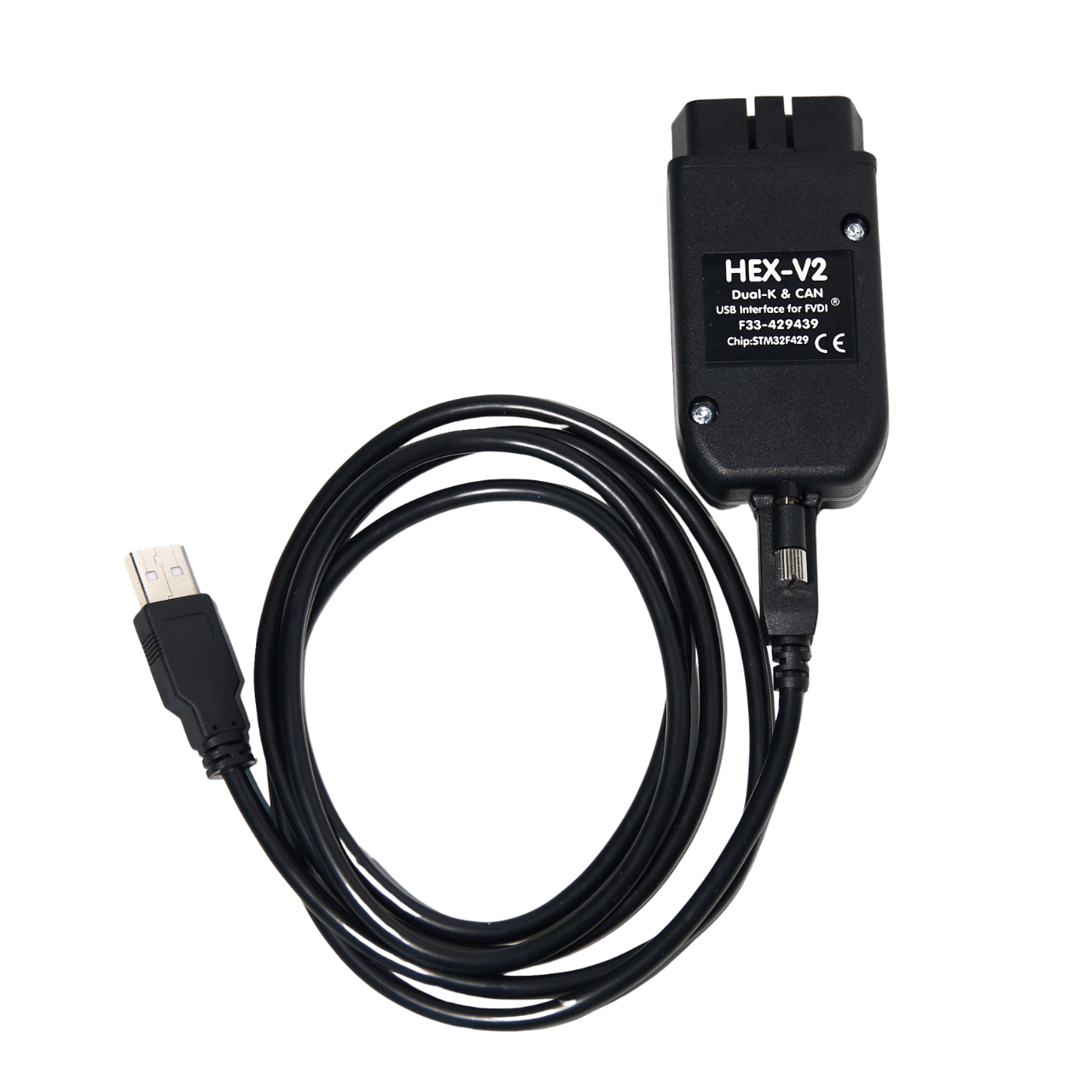
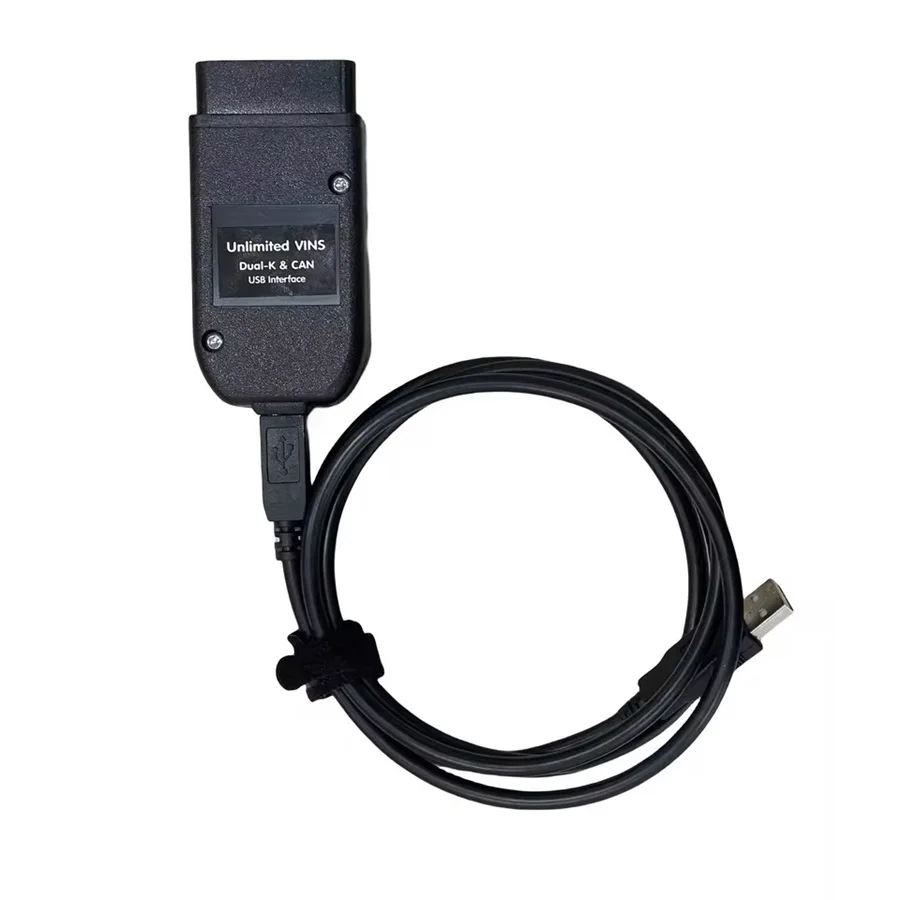
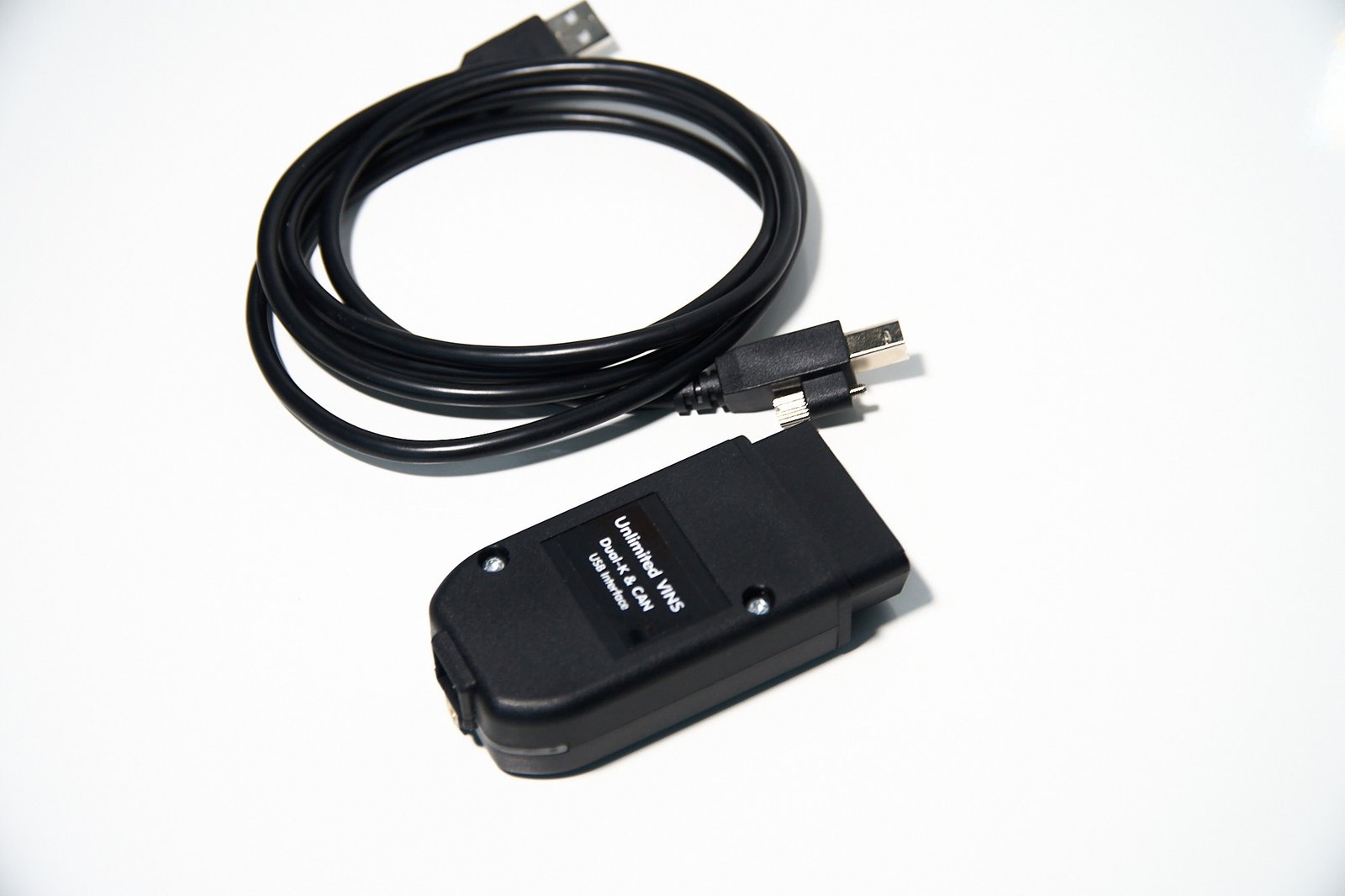
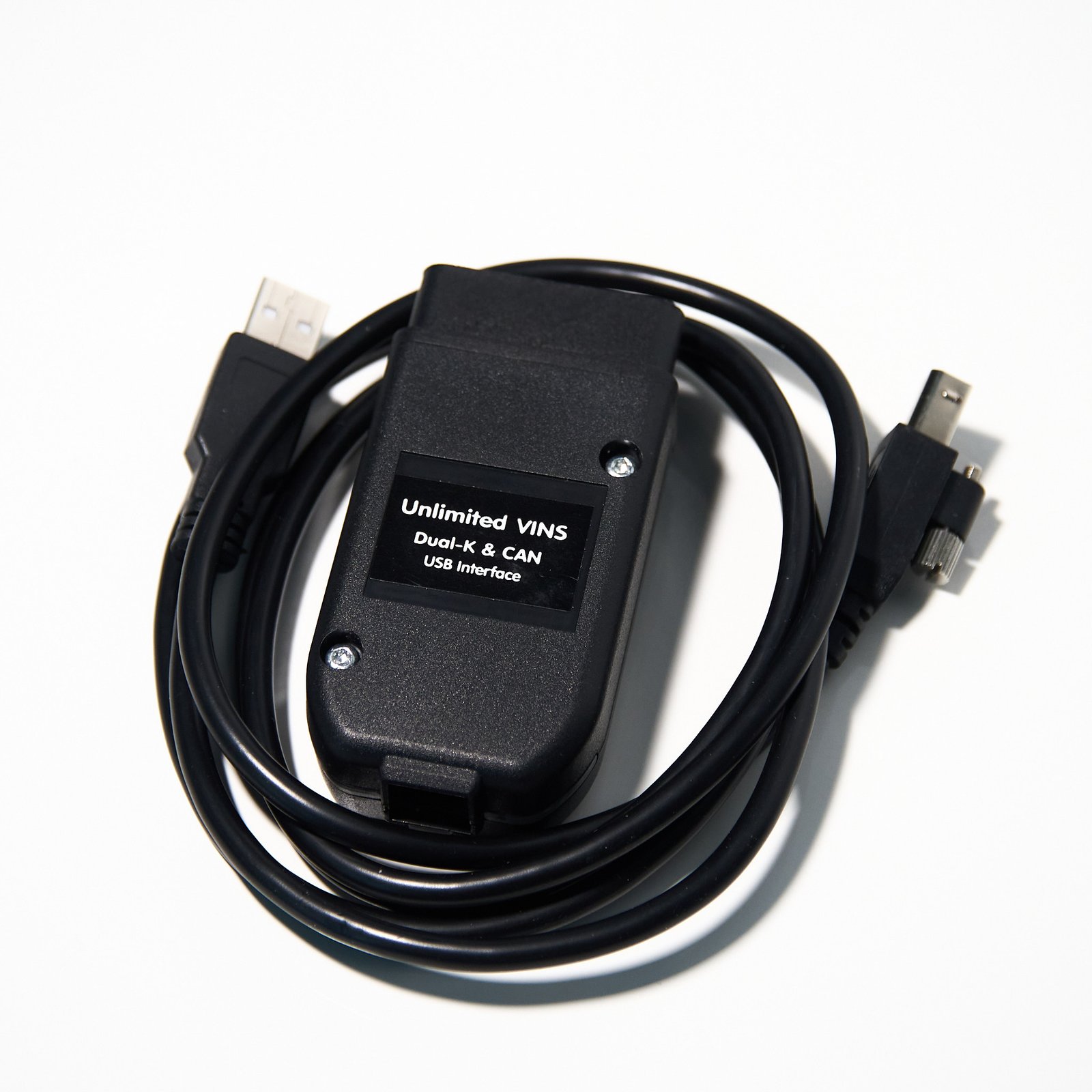
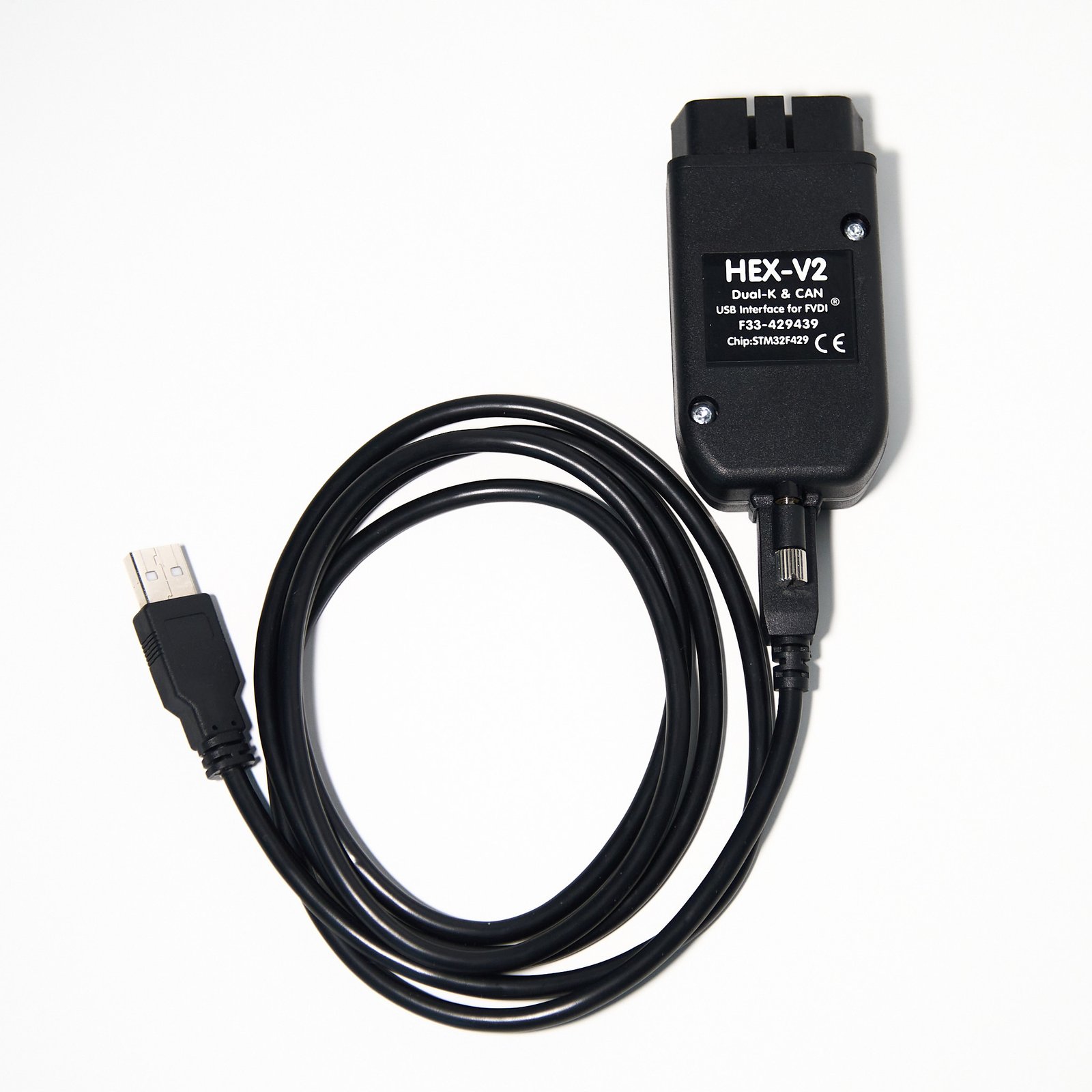
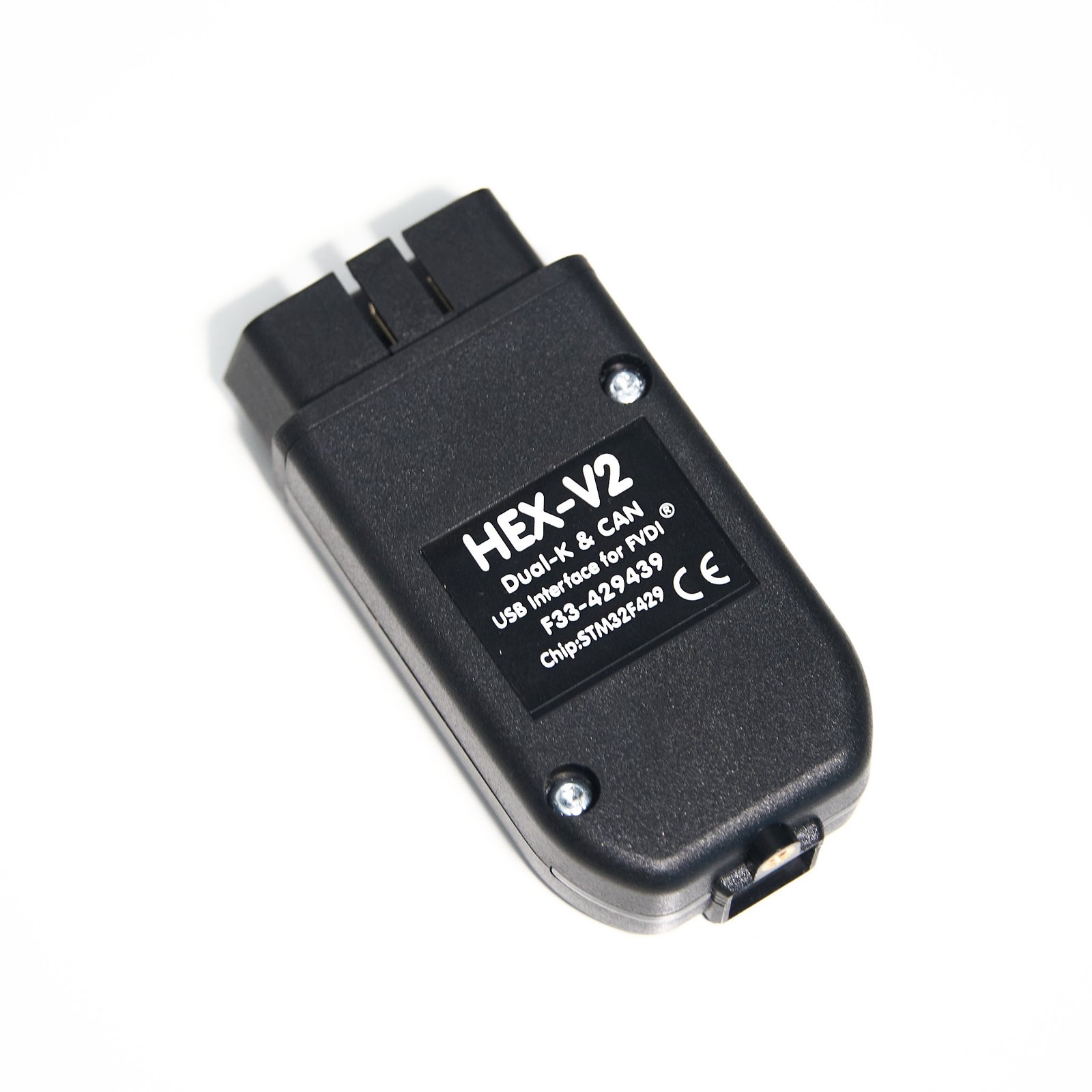
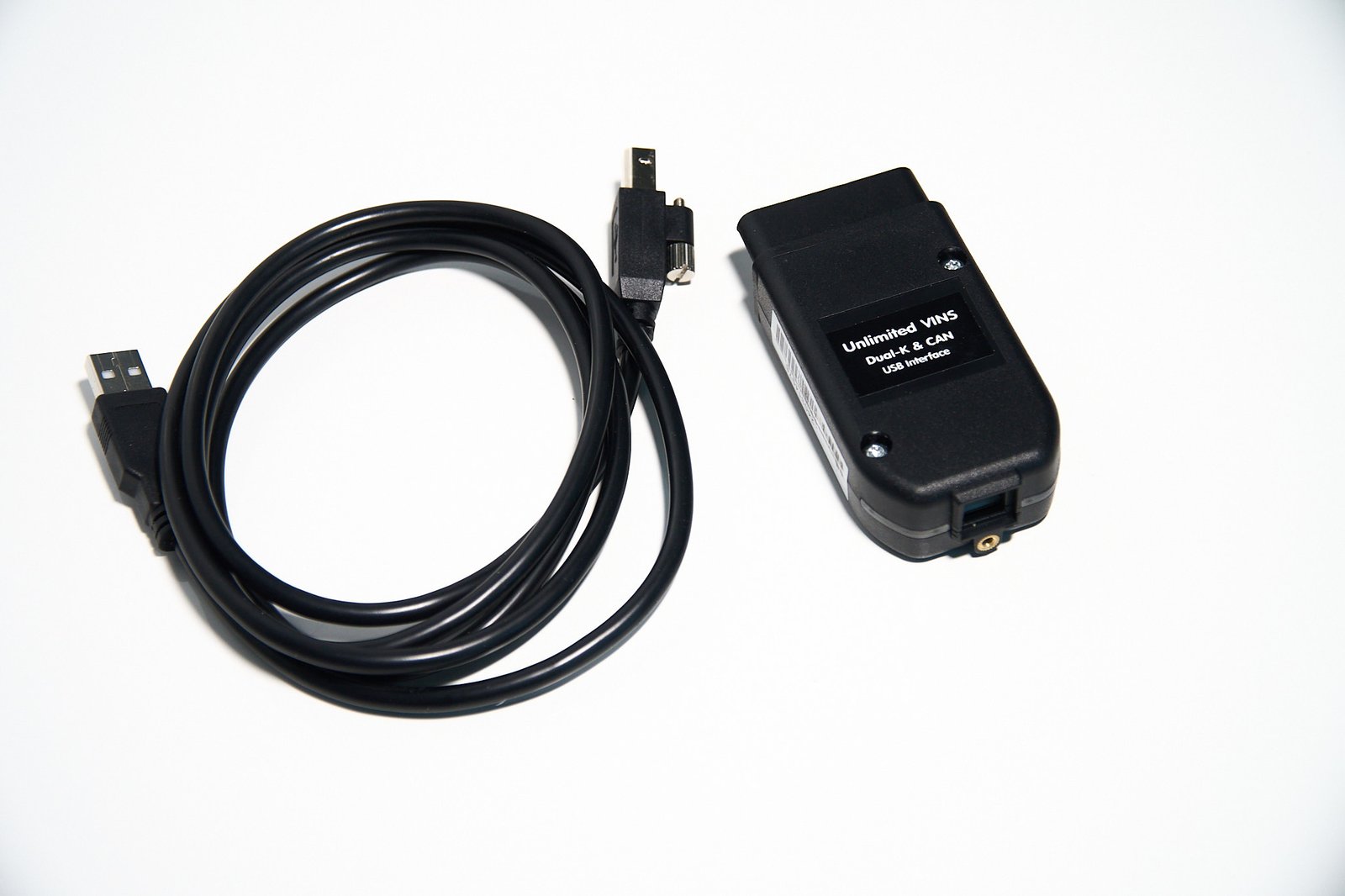
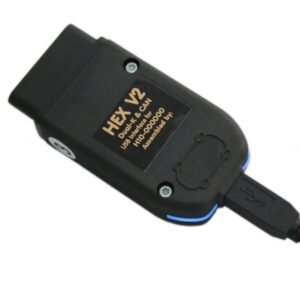
The VA‑COM HEX is a professional-grade OBD2 USB interface designed to give you full control over your VW, Audi, Skoda, and Seat (VAG group) vehicles when used with compatible VCDS-style diagnostic software. Powered by a high-performance STM32F429 ARM microcontroller, this interface delivers fast, stable communication with all vehicle control modules, enabling deep diagnostics, advanced coding, and complex adaptations.
This version is built with a real STM32F429 chipset and supports online usage without connection issues, providing a smooth workflow for both workshops and advanced users. It is a professional aftermarket diagnostic tool designed for reliable daily use.
Unlimited VIN Usage & Wide Vehicle Coverage
The VA‑COM HEX interface is designed for unlimited vehicle usage, making it suitable for personal use, workshops, and fleet diagnostics.
- Supported Vehicles: VW, Audi, Skoda, Seat
- Model Years: Approximately 1996–2025 (software-dependent)
- Protocol Support:
- K-Line / L-Line
- CAN-BUS
- UDS / ODX (modern platforms)
There is no VIN limitation on the hardware, allowing you to diagnose and code multiple vehicles without restriction.
Professional Diagnostic & Coding Functions (Software-Dependent)
When used with compatible VCDS-style software, the VA‑COM HEX provides dealer-level access to vehicle systems.
🔍 Core Diagnostic Functions
- Auto-Scan (All Systems): Full vehicle scan across all control modules
- Fault Code (DTC) Reading & Clearing with detailed descriptions
- Freeze Frame Data: View parameters at the moment a fault occurred
- Control Module Identification: Access ECU part numbers, versions, and coding
🛠 Service & Maintenance Functions
- Service Reset (SRI): Reset oil and inspection intervals
- Electronic Parking Brake (EPB): Open/close calipers for brake service
- Battery Registration (BEM): Register new battery for proper charging
- DPF Regeneration: Perform forced regeneration (diesel models)
- ABS Bleeding: Activate ABS pump for brake system bleeding
- Transmission Reset: Reset learned gearbox adaptations
⚙️ Advanced Coding & Adaptations
- Long Coding Helper: Modify vehicle configuration using user-friendly interface
- Feature Activation:
- Needle sweep (gauge staging)
- Comfort windows & sunroof
- DRL customization
- Mirror folding
- Start/Stop adjustments (where supported)
- Module Adaptation: Configure new or replaced components
Real-Time Data & Performance Monitoring
- Live Data Streaming: Monitor engine, turbo, fuel, and sensor values
- Graphing Functions: Visualize data trends for diagnostics
- High-Speed Logging: Capture fast-changing parameters on CAN vehicles
- Data Export: Save logs for analysis or remote diagnostics
Hardware & Technical Specifications
- Microcontroller: STM32F429 ARM Cortex-M4
- Connection: USB 2.0 (stable wired communication)
- Operating System: Windows XP / 7 / 8 / 10 / 11 (32 & 64-bit)
- Languages (Software-Dependent):
English, Spanish, French, Italian, German, Polish, Portuguese, Russian, Danish, Dutch, Swedish, Hungarian, Romanian, Czech - Key Features:
- Supports long coding and advanced adaptations
- Stable operation with modern CAN/UDS vehicles
- Designed for continuous workshop use
Solving Common VAG Vehicle Problems
The VA‑COM HEX is widely used to diagnose and fix common VW Group issues:
- Engine Warning Lights: Identify sensor faults, boost issues, or fuel system errors
- DPF Problems: Perform regeneration and monitor soot levels
- Electrical Faults: Diagnose central electronics, lighting, and comfort systems
- Transmission Issues: Reset adaptations to improve shifting behavior
- Retrofits & Upgrades: Enable features after installing new hardware
Software & Usage Information
- Software Access: Provided via download link
- Technical Support: Remote installation assistance available if needed
- Internet Usage: The interface can be used with internet connection
- Update Policy:
- This interface is supplied without software updates
- Optional future updates may require additional licensing
Package Includes
- VA‑COM HEX Diagnostic Interface (USB)
- Software Access Instructions (Download Link)
- Installation Guides
- Optional Remote Support Assistance
Important Notes
- Always follow installation instructions carefully
- Function availability depends on vehicle model and software version
- Advanced coding should be performed with proper knowledge
 English
 French
 Spanish
 German
 Polish
 Czech
Czech Romanian
 Italian
Reviews
There are no reviews yet