
Whether you’re a DIY car enthusiast, an independent mechanic, or a professional workshop owner, choosing the right OBD2 diagnostic tool can save you hundreds of euros every year. With dealer diagnostic sessions costing €80–€180 across Europe, owning your own scanner pays for itself almost immediately — but only if you pick the right one.
In this comprehensive guide, we break down everything you need to know about car diagnostic tools in 2026: what OBD2 actually is, the different types of scanners available, which features matter most, and how to match a tool to your exact needs and budget.
What Is OBD2 and Why Does It Matter?
OBD2 stands for On-Board Diagnostics, version 2 — a standardised system built into every modern vehicle that monitors engine performance, emissions, and dozens of electronic control modules. When something goes wrong, the OBD2 system stores a Diagnostic Trouble Code (DTC) and, in most cases, illuminates the familiar “Check Engine” light on your dashboard.
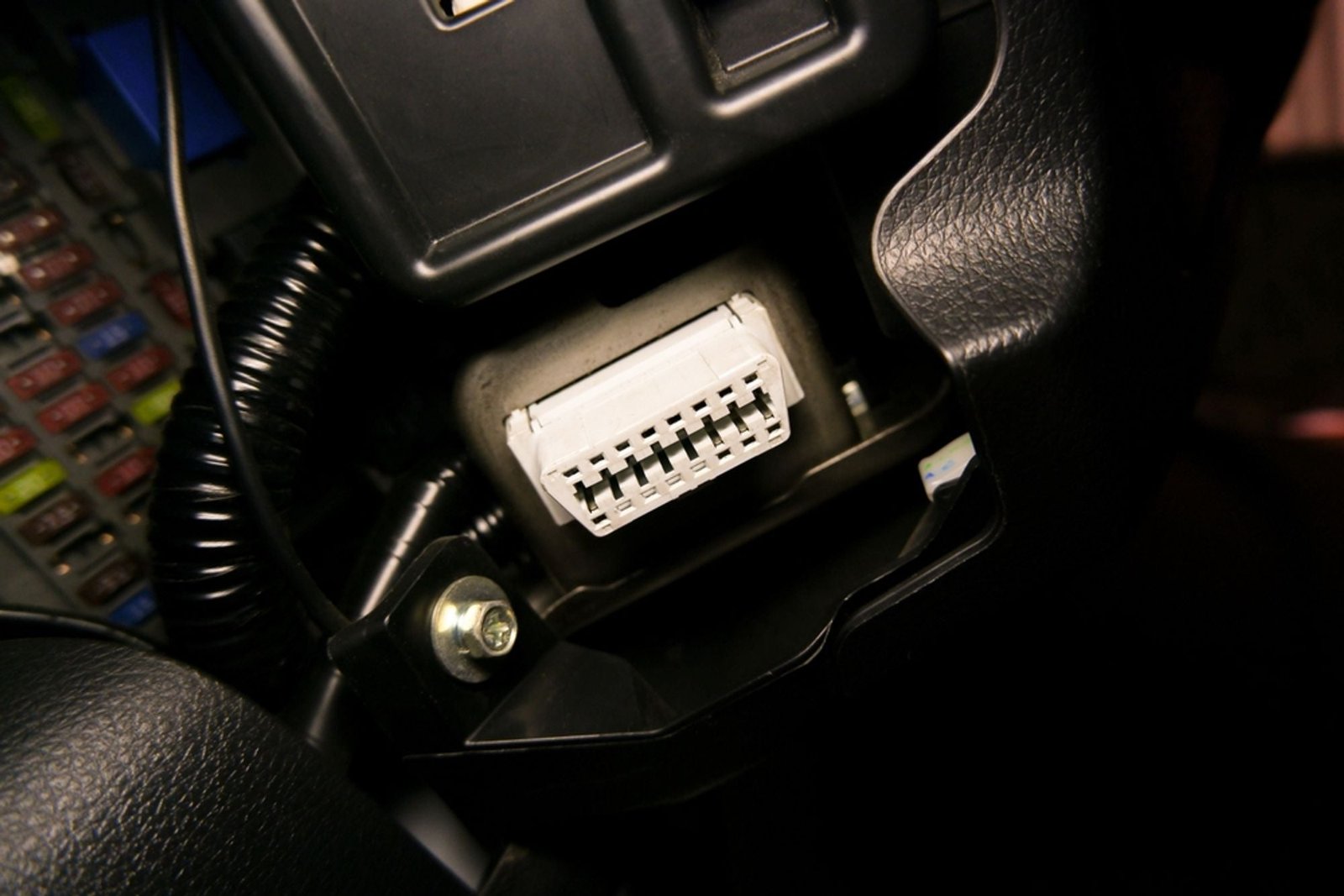
In Europe, OBD2 compliance has been mandatory for petrol vehicles since approximately 2001 and diesel vehicles since 2003/2004. In the United States, the standard has been in place since 1996. This means virtually every car on the road today has an OBD2 port — a 16-pin connector typically located under the dashboard on the driver’s side.
An OBD2 diagnostic tool plugs into this port and communicates with your vehicle’s electronic control units (ECUs) to read fault codes, display live sensor data, and — depending on the tool — perform advanced functions like coding, adaptations, and even ECU reprogramming.
Types of OBD2 Diagnostic Tools: Which One Do You Need?
Not all diagnostic tools are created equal. Understanding the three main categories will help you make an informed decision.
1. Universal OBD2 Bluetooth/WiFi Adapters (€30–€70)
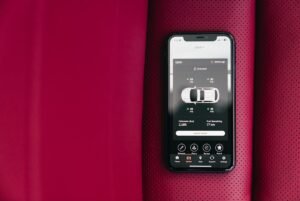
These compact, affordable adapters connect to your smartphone or tablet via Bluetooth or WiFi and work with third-party apps like Torque Pro, Car Scanner, or OBD Auto Doctor. They read and clear generic OBD2 fault codes, display live engine data, and work on virtually any OBD2-compliant vehicle.
Best for: Beginners, casual DIYers, and anyone who wants a simple way to check why the engine light is on.
Example: The Vgate iCar Pro 2S (€56.80) is one of the best universal adapters on the market. With Bluetooth 5.3 connectivity, it pairs with iOS, Android, and Windows devices. Its BatterySaver technology prevents battery drain, and its upgraded ELM327 V2.3 firmware ensures fast, stable connections across all five OBD2 protocols.
Limitations: Universal adapters only access standardised OBD2 data — primarily engine and emissions information. They cannot access manufacturer-specific modules like airbags, ABS, instrument clusters, or comfort electronics. For deeper diagnostics, you need a brand-specific or professional tool.
2. Brand-Specific Diagnostic Interfaces (€55–€230)
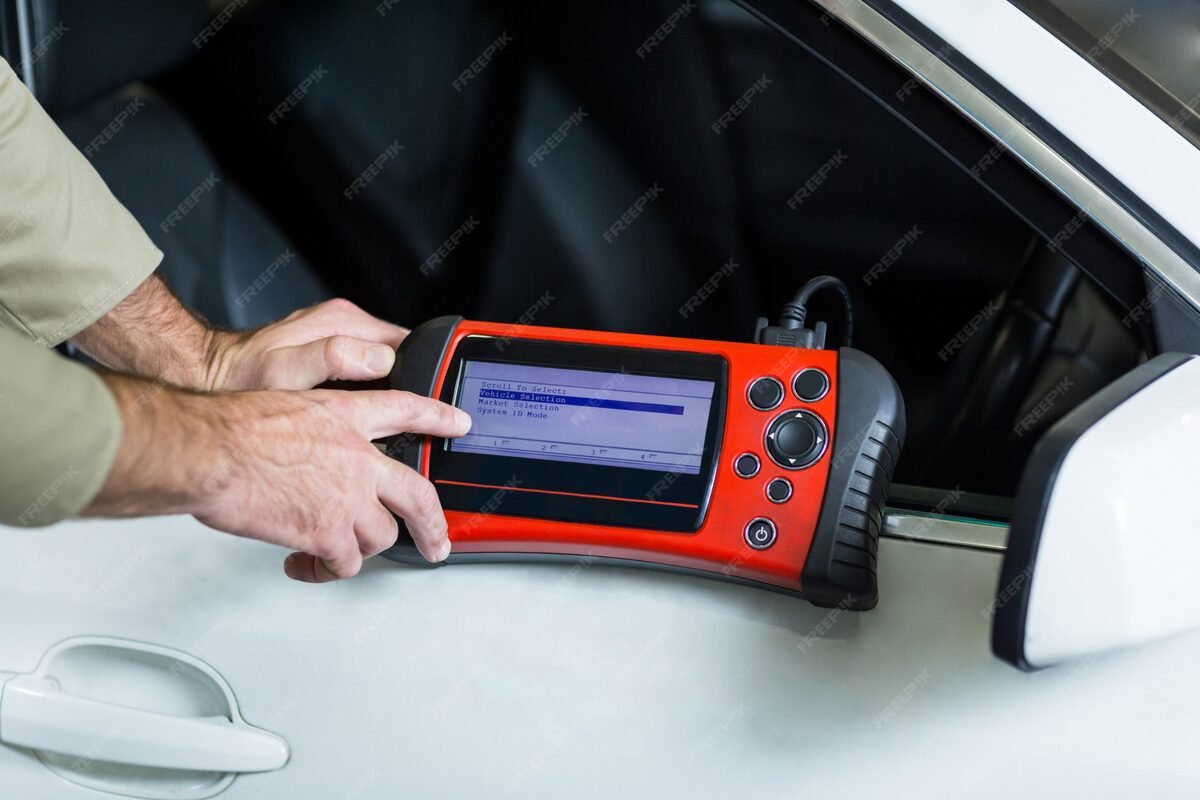
Brand-specific tools are designed for one vehicle manufacturer (or group) and provide dealer-level access to all electronic modules. This means you can diagnose and interact with systems that universal scanners simply cannot reach — airbags, ABS/ESP, climate control, instrument clusters, parking sensors, infotainment, and much more.
Many of these tools also support advanced functions like long coding (activating hidden features), adaptations (calibrating components after repairs), and security access (unlocking protected ECU functions). Here’s a quick overview of the most popular options:
- VAG vehicles (VW, Audi, SEAT, Škoda): The VA-COM HEX Full Chip (€121.32) delivers a VCDS-like experience with unlimited VIN usage, long coding, adaptations, and security access across 1996–2025 models.
- BMW & MINI: The Vgate vLinker BM (€57.80) pairs with the BimmerCode app on your smartphone, letting you code dozens of features — from disabling auto start/stop to activating digital speedometers and sport exhaust burbles.
- Opel/Vauxhall: The OPCOM 1.70/1.95 (€66.80) provides deep diagnostics for Opel vehicles, replicating many functions of the official Opel Tech2 scanner.
- Volvo: The Professional Diagnostic Dice (€111.80) connects to Volvo’s VIDA 2014D software — the same platform used by Volvo dealers — providing guided diagnostics, wiring diagrams, and repair procedures.
- Peugeot & Citroën: The Lexia 3 Full Chip (€198.80) is the go-to tool for PSA group vehicles, supporting DiagBox software for comprehensive diagnostics and programming.
- Renault & Dacia: The Canclip VCI3 WiFi V240 (€224.82) offers Renault dealer-level diagnostics with wireless connectivity and the latest Can Clip software.
Best for: Enthusiasts who own one brand of vehicle and want the deepest possible diagnostic access, or workshops specialising in a specific manufacturer.
3. Multi-Brand Professional Scanners (€100–€250+)
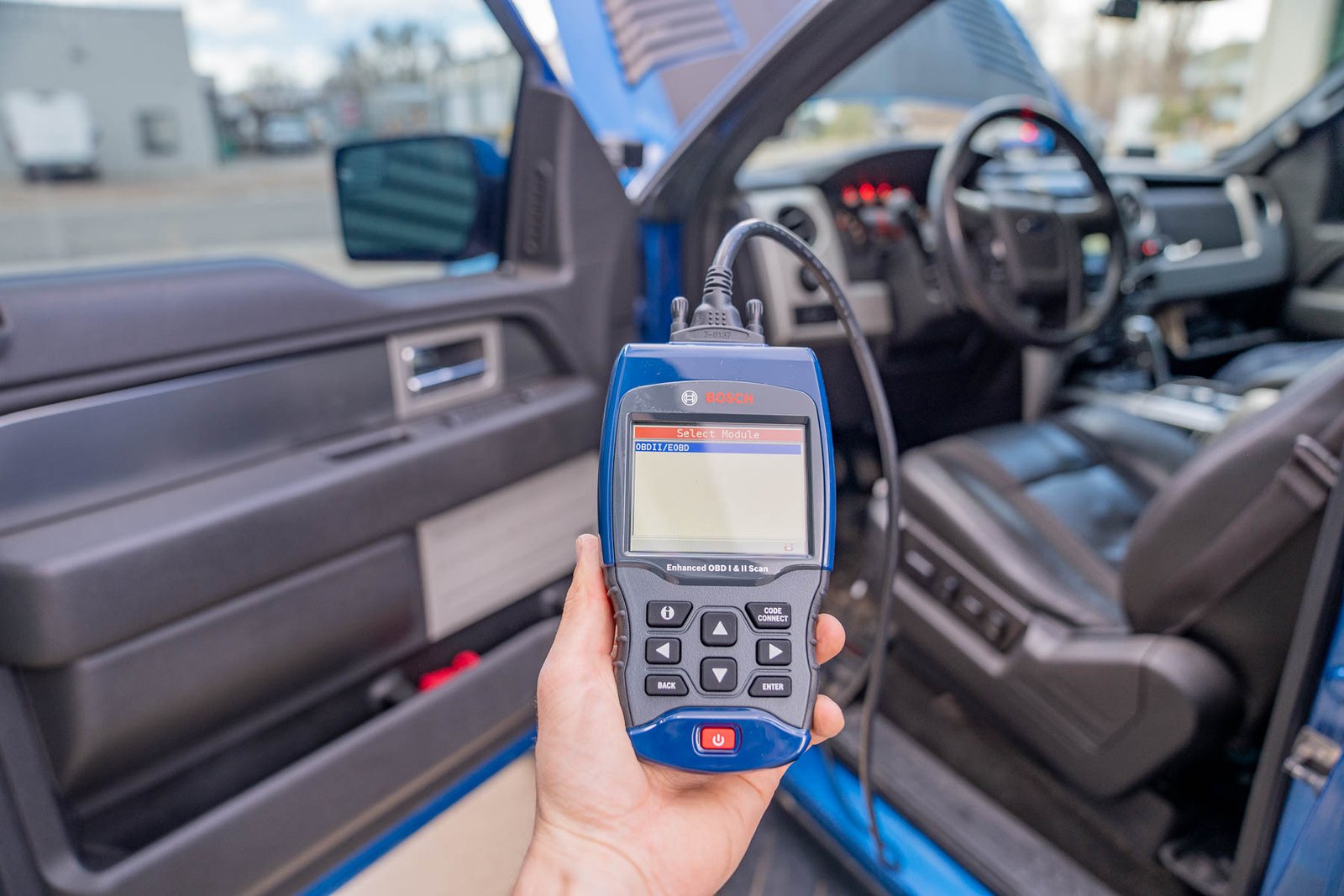
Multi-brand tools cover a wide range of vehicle manufacturers in a single device. While they may not go as deep as brand-specific tools on any single manufacturer, they offer remarkable breadth of coverage — making them ideal for workshops that service many different vehicles.
Example: The Delfi DS150e Premium (€136.90) is a Bluetooth-connected multi-brand scanner with single-PCB engineering for superior reliability. It covers European, American, and Asian vehicles — including select trucks — with capabilities ranging from fault code reading to component activation testing and service resets.
Another versatile option is the Open Port 2.0 (€58.80), a J2534 pass-thru interface that works with Mercedes-Benz Xentry, Toyota/Lexus Techstream, and Subaru/Mitsubishi ECU flashing tools. At under €60, it’s an extraordinary value for anyone working on these brands.
Best for: Independent workshops, mobile mechanics, and DIYers who own vehicles from different manufacturers.
Key Features to Look For in a Diagnostic Tool
When comparing OBD2 scanners, these are the features that matter most:
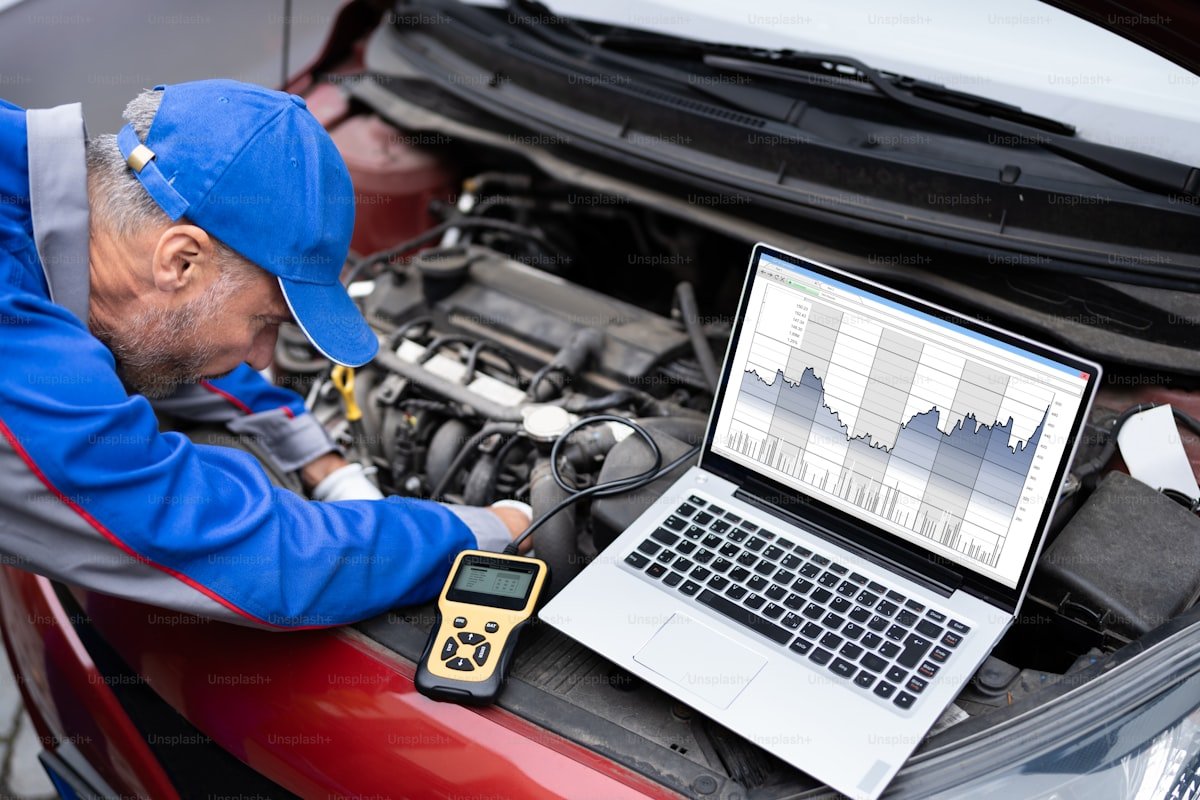
Connectivity: USB vs Bluetooth vs WiFi
USB (wired) connections offer the most stable, reliable communication — critical for operations like ECU flashing where a dropped connection could be catastrophic. Tools like the VA-COM HEX and Open Port 2.0 use USB for this reason.
Bluetooth adapters offer convenience and freedom of movement. You can walk around the vehicle during diagnostics, which is essential for tasks that require interaction with the car (like turning the steering wheel during sensor calibration). The Vgate vLinker BM and Delfi DS150e use Bluetooth connectivity.
WiFi connections, used by tools like the Canclip VCI3, provide a wireless alternative particularly useful for iOS devices that may have limited Bluetooth OBD2 app support.
Protocol Support
Modern vehicles use CAN (Controller Area Network) as their primary communication protocol, but older vehicles (pre-2008) may use K-Line (ISO 9141/14230) or J1850 protocols. A good diagnostic tool should support all five standard OBD2 protocols to ensure compatibility with both older and newer vehicles:
- CAN (ISO 15765) — most common on 2008+ vehicles
- K-Line ISO 9141-2
- K-Line ISO 14230-4 (KWP2000)
- SAE J1850 PWM (primarily Ford vehicles)
- SAE J1850 VPW (primarily GM vehicles)
Software Quality and Updates
The software is just as important as the hardware. Consider:
- User interface: Is the software intuitive and well-organised?
- Update availability: Does the manufacturer release regular updates for new vehicle models?
- Platform compatibility: Does it run on your operating system (Windows, macOS, Android, iOS)?
- Database depth: Does it include repair information, wiring diagrams, or guided diagnostic procedures?
Advanced Functions
Beyond basic code reading, advanced tools offer:
- Long coding: Modify ECU parameters to activate or deactivate vehicle features (e.g., enabling needle sweep on a VW instrument cluster)
- Adaptations: Calibrate components after repairs (throttle body alignment, steering angle sensor reset)
- Actuator testing: Activate individual components to verify they work (fuel injectors, ABS valves, cooling fans)
- Service resets: Reset oil service intervals, brake pad warnings, and inspection reminders
- ECU flashing: Reprogram ECU firmware for updates or performance tuning
- Key programming: Register new keys or replace lost ones

How to Choose the Right Tool: A Decision Framework
Use this simple framework to narrow down your choices:
Step 1: Define Your Vehicles
Do you work exclusively on one brand, or do you service multiple manufacturers? If you only own Volkswagen Group vehicles, a brand-specific tool like the VA-COM HEX gives you far deeper access than any universal scanner. If you work on a mix of brands, a multi-brand tool like the Delfi DS150e is more practical.
Step 2: Define Your Needs
- Just reading/clearing codes? → Universal Bluetooth adapter (Vgate iCar Pro 2S — €56.80)
- Coding features and deep diagnostics? → Brand-specific tool (€57–€225 depending on brand)
- Multi-brand workshop diagnostics? → Professional multi-brand scanner (Delfi DS150e — €136.90)
- ECU tuning and flashing? → J2534 pass-thru interface (Open Port 2.0 — €58.80)
Step 3: Consider Your Budget
Diagnostic tools range from under €60 to over €200 in the aftermarket segment. Here’s what each price bracket typically offers:
- Under €60: Universal OBD2 adapters with basic code reading and live data (Vgate iCar Pro 2S, Vgate vLinker BM, Open Port 2.0)
- €60–€140: Brand-specific tools with advanced diagnostics, coding, and service functions (OPCOM, Mongoose J2534, VA-COM HEX, Diagnostic Dice, Delfi DS150e)
- €140–€230: Premium brand-specific tools with the deepest access and latest software support (Lexia 3, Canclip VCI3)
Step 4: Think About Long-Term Value
Consider the total cost of ownership. Some tools require ongoing software subscriptions or per-use credits, while others provide unlimited access for a one-time purchase. The VA-COM HEX, for example, offers unlimited VIN usage at €121.32 — whereas the genuine VCDS tool costs €349+ for just a 3-VIN license.
OBD2 Diagnostic Tools Comparison Table
Here’s a side-by-side comparison of 10 popular diagnostic tools to help you decide:
| Tool | Price | Brands Covered | Connection | Best For |
|---|---|---|---|---|
| Vgate iCar Pro 2S | €56.80 | All OBD2 vehicles | Bluetooth 5.3 | Beginners, basic diagnostics |
| Vgate vLinker BM | €57.80 | BMW, MINI (+ universal) | Bluetooth 4.0 | BMW coding with BimmerCode |
| Open Port 2.0 | €58.80 | Mercedes, Toyota, Subaru, Mitsubishi | USB | J2534 multi-platform, ECU flash |
| OPCOM 1.70/1.95 | €66.80 | Opel/Vauxhall | USB | Opel dealer-level diagnostics |
| Mongoose J2534 | €90.80 | Jaguar/Land Rover, Toyota, Volvo | USB | Multi-brand J2534 interface |
| Diagnostic Dice (Volvo) | €111.80 | Volvo | USB | Volvo VIDA diagnostics |
| VA-COM HEX | €121.32 | VW, Audi, SEAT, Škoda | USB | VAG coding & deep diagnostics |
| Delfi DS150e | €136.90 | Multi-brand (EU/US/Asian) | Bluetooth | Multi-brand workshops |
| Lexia 3 Full Chip | €198.80 | Peugeot, Citroën, DS | USB | PSA group diagnostics |
| Canclip VCI3 | €224.82 | Renault, Dacia | WiFi | Renault dealer-level diagnostics |
Common Mistakes to Avoid When Buying a Diagnostic Tool
Over the years, we’ve seen enthusiasts and workshop owners make the same mistakes. Here’s how to avoid them:
Buying Too Cheap
Ultra-cheap ELM327 clones (under €10) are tempting but often use outdated firmware, drop connections frequently, and may not support all OBD2 protocols. Investing in a reputable adapter like the Vgate iCar Pro 2S (€56.80) ensures reliable performance and genuine Bluetooth 5.3 connectivity.
Buying Too Expensive (for Your Needs)
If you only need to read and clear engine codes on your personal car, spending €200+ on a professional tool is unnecessary. Match the tool to your actual needs using our decision framework above.
Ignoring Software Compatibility
Many brand-specific tools require Windows — often specific versions like Windows 7 or Windows 10. Before purchasing, verify that the tool’s software runs on your computer. If you use macOS, look for tools with smartphone apps (like the Vgate vLinker BM with BimmerCode) or plan to use a Windows virtual machine.
Forgetting About Cable Quality
For USB-connected tools, cable quality matters. Cheap, thin cables can cause intermittent connections, data corruption, and communication failures. Always use the cable that comes with the tool, or invest in a high-quality replacement.
The European Diagnostic Tools Market in 2026
The European automotive diagnostic tools market is valued at €6.65 billion in 2025 and is projected to reach €9.01 billion by 2031, growing at a compound annual growth rate (CAGR) of 5.29%. Several factors are driving this growth:
- Aging vehicle fleet: The average vehicle age in Europe exceeds 10 years, creating a massive demand for affordable diagnostic solutions.
- Rising dealer costs: Dealer labour rates of €80–€150/hour in Western Europe are pushing owners toward DIY diagnostics.
- Right-to-repair movement: Legislation is increasingly supporting independent access to vehicle diagnostic data, empowering aftermarket tools.
- Electronic complexity: Modern vehicles contain 50–100+ electronic control modules, making diagnostic tools more essential than ever.
Getting Started: Your First Diagnostic Session
Ready to try automotive diagnostics? Here’s a quick-start guide:
- Locate your OBD2 port: It’s a 16-pin connector usually found under the dashboard on the driver’s side. Check near the steering column or fuse box area.
- Connect your tool: Plug in the adapter and pair it with your device (phone, tablet, or laptop).
- Turn on the ignition: Switch to the “ON” position (or start the engine for live data readings).
- Launch your software: Open the diagnostic app and let it connect to the vehicle.
- Run a scan: Select “Read Fault Codes” or “Auto-Scan” to check all available modules.
- Review results: The tool will display any stored DTCs with descriptions. Research the codes to understand the issue.
- Take action: Decide whether to fix the issue yourself, clear the code and monitor, or take the vehicle to a professional with the diagnostic data in hand.
Even if you choose to have a professional perform the repair, arriving at the workshop with diagnostic data saves time and helps you avoid unnecessary upselling.
Wnioski
Choosing the right OBD2 diagnostic tool comes down to three factors: the vehicles you work on, the depth of diagnostics you need, and your budget. Universal Bluetooth adapters are perfect for beginners and basic code reading. Brand-specific tools unlock dealer-level features at a fraction of dealer prices. And multi-brand professional scanners give workshops the versatility to handle any vehicle that drives through the door.
At OBD Profi, we’re passionate about making automotive diagnostics accessible to everyone — from first-time DIYers to seasoned professionals. Stay tuned for more in-depth guides on specific tools, coding tutorials, and diagnostic tips.
Have questions about which diagnostic tool is right for you? Drop us a message — we’re here to help.

 English
 French
 Spanish
 German
 Polish
 Czech
Czech Romanian
 Italian