
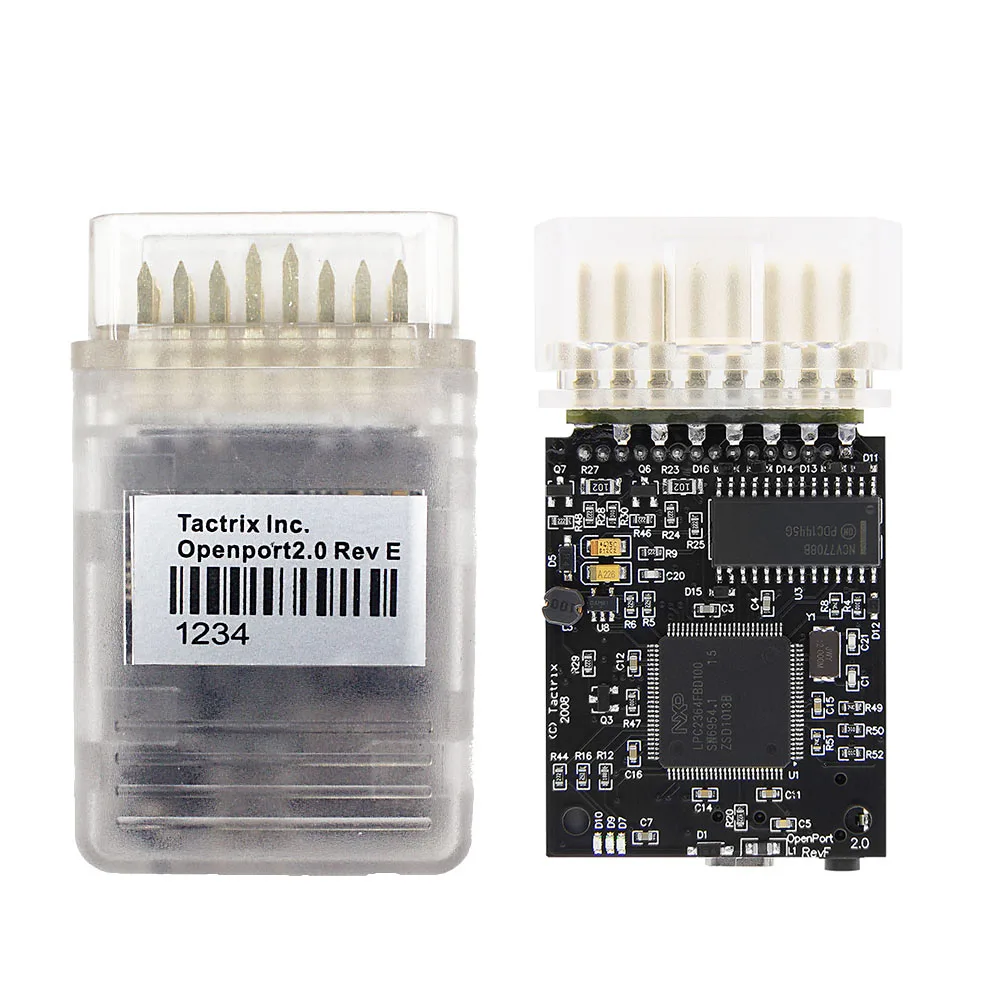
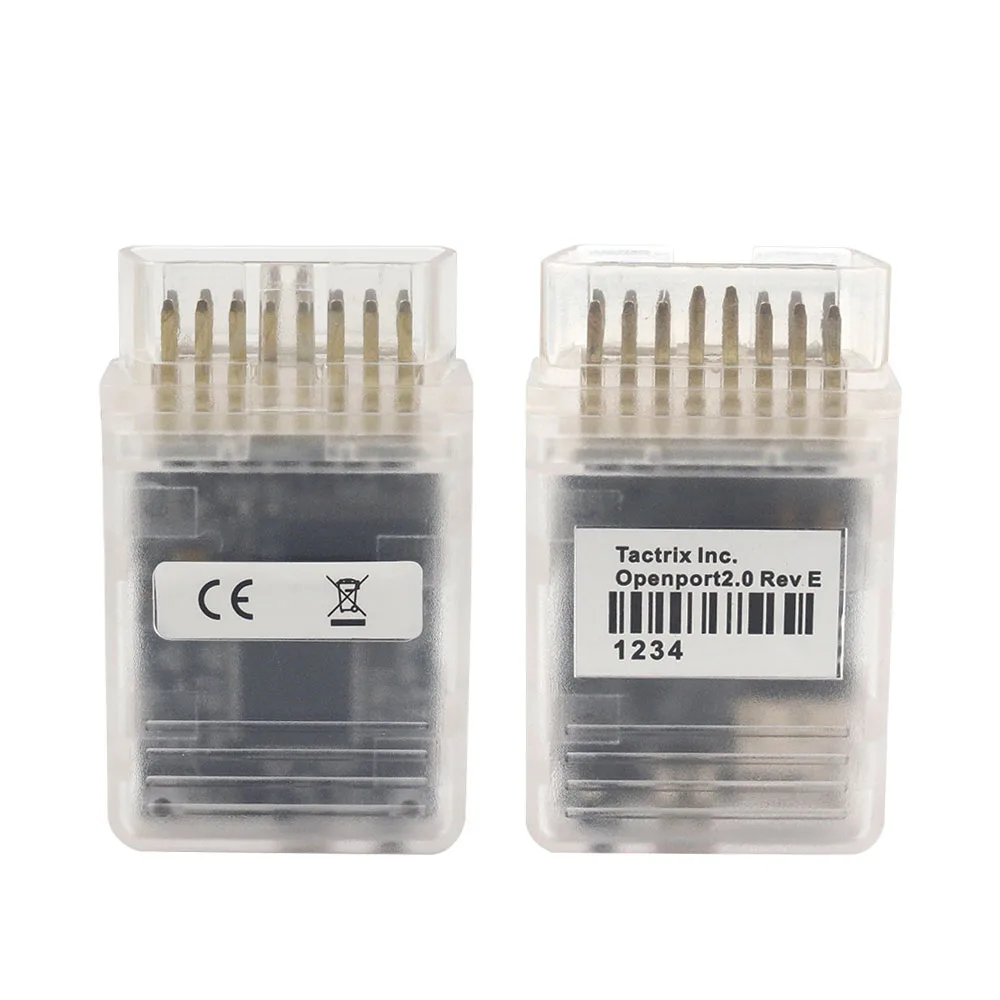
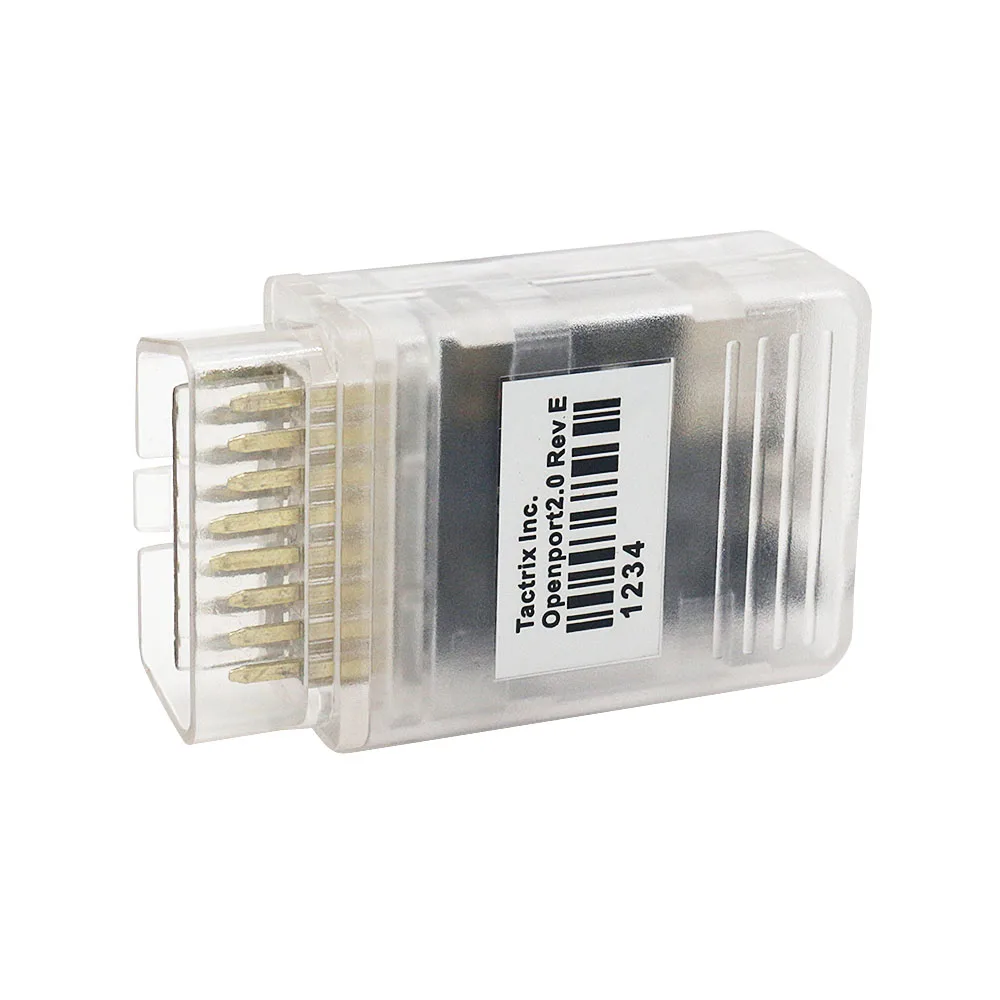
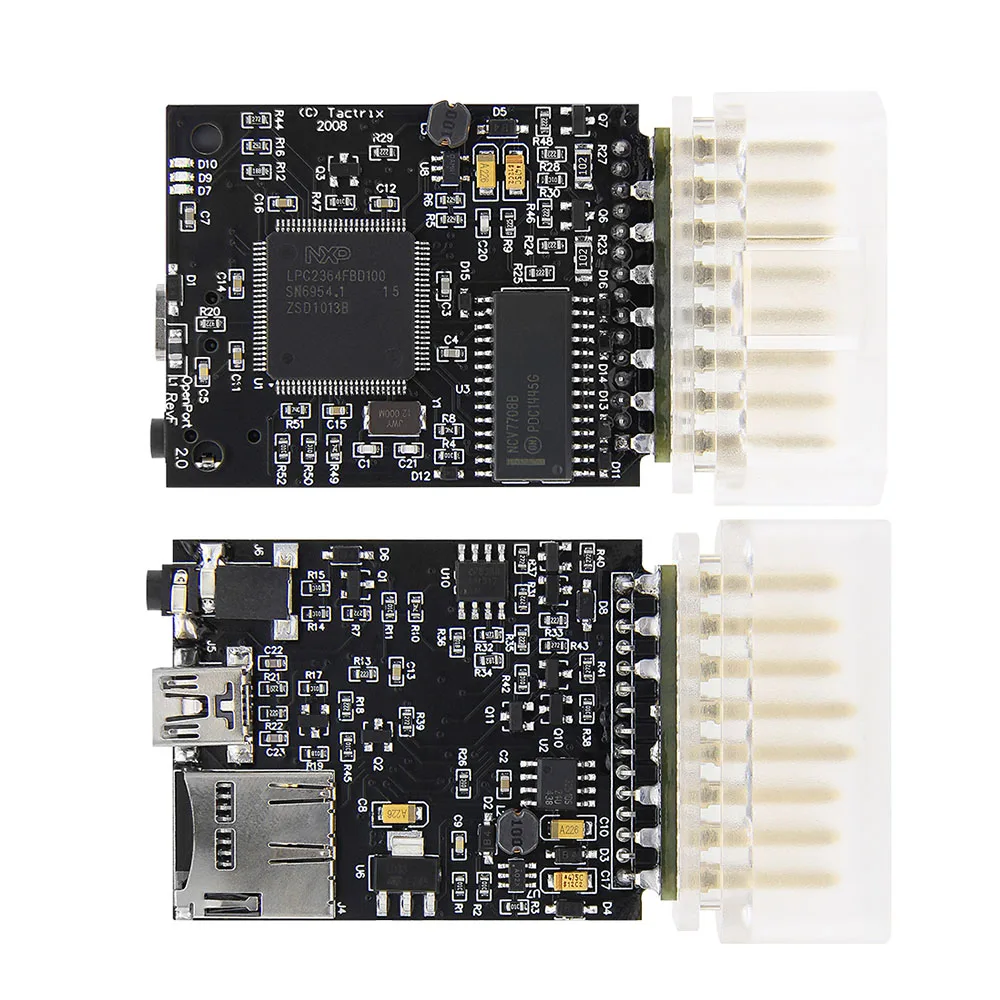
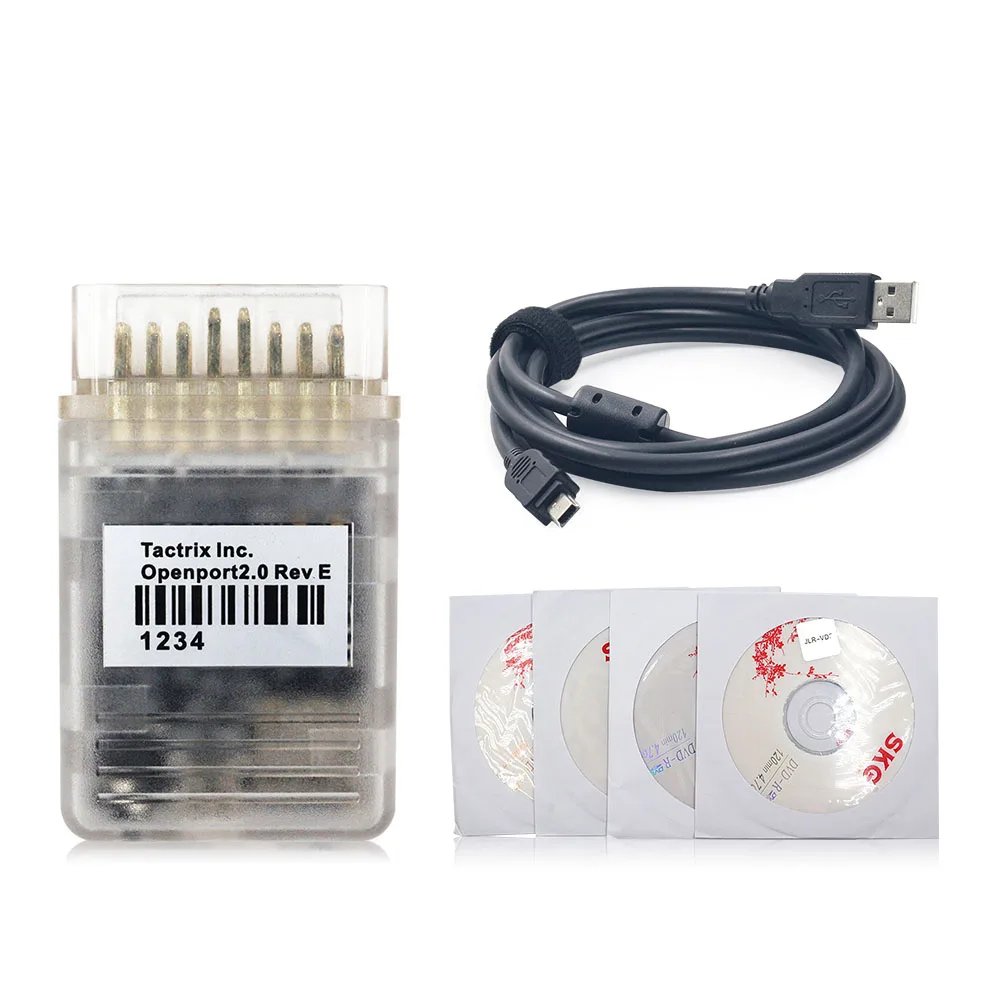
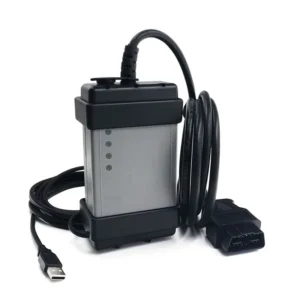
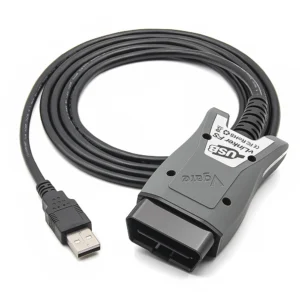
Il Tactrix Openport 2.0 è un'interfaccia J2534 PassThru estremamente versatile e potente, progettata per il reflashing delle centraline dei veicoli, la diagnostica e la messa a punto delle prestazioni. Rinomata nella comunità degli appassionati di tuning per la sua affidabilità, questa interfaccia consente una comunicazione approfondita con la centralina del motore del veicolo, rendendola uno strumento indispensabile per i tecnici automobilistici e gli appassionati di prestazioni che lavorano su marchi come Subaru, Mitsubishi, Toyota, Jaguar, Land Rover e il gruppo VAG.
Questo è un versione aftermarket di alta qualità in classe energetica A+++ progettato per garantire prestazioni stabili durante la messa a punto e la diagnostica offline. Non si tratta di un prodotto ufficiale Tactrix.
Compatibilità con i veicoli e assistenza software
Openport 2.0 è noto per la sua ampia compatibilità con diverse piattaforme software specifiche dei vari produttori. Funge da ponte universale tra il tuo portatile e la porta OBD2 del veicolo.
- Subaru e Mitsubishi: Completamente compatibile con EcuFlash software per la lettura, la modifica e la creazione di mappe del motore.
- Toyota / Lexus / Scion: Funziona alla grande con TIS Techstream per la diagnostica e le personalizzazioni a livello di concessionario.
- Jaguar e Land Rover: Supporta SDD (Diagnostica basata sui sintomi) per i veicoli che rientrano nella gamma di software supportata (ad es., versione 138).
- Multimarca J2534: Supporta numerose altre marche, tra cui Mercedes-Benz, VW, Audi, Ford e Mazda, grazie a un software compatibile con lo standard J2534.
Funzioni professionali di messa a punto e diagnostica
Openport 2.0 è molto più di un semplice lettore di codici; è uno strumento specializzato per la modifica e la manutenzione dei sistemi elettronici dei veicoli.
🚀 Riprogrammazione ECU e chip tuning
- Lettura e scrittura su memoria flash: Estrarre il firmware originale dalla centralina, modificare i parametri (utilizzando EcuFlash o un programma simile) e riscrivere la nuova mappatura sul veicolo.
- Ottimizzazione delle prestazioni: Regola le mappe di alimentazione, la fasatura dell'accensione e i livelli di sovralimentazione per aumentare la potenza e la coppia.
- Registrazione dati autonoma: È dotato di un slot per scheda microSD, consentendo di registrare i dati del motore direttamente su una scheda di memoria senza bisogno di portare un computer portatile in auto durante un giro di prova.
🛠️ Diagnostica avanzata e riparazioni
- Accesso completo al sistema: Leggere e cancellare i codici di errore diagnostici (DTC) specifici del costruttore.
- Monitoraggio dei dati in tempo reale: Visualizza i dati dei sensori in tempo reale per risolvere problemi meccanici ed elettrici complessi.
- Codifica dei moduli: Eseguire gli adattamenti e la programmazione dei nuovi componenti utilizzando software compatibili con gli OEM, come Techstream o SDD.
⚡ Tensione e protocolli supportati
- Processore ad alta velocità: Dotato di un processore a 32 bit da 72 MHz per un trasferimento veloce dei dati.
- Applicazione della tensione: In grado di applicare una tensione compresa tra 5 V e 25 V a specifici pin OBD (1, 3, 9, 11, 12, 13) o al connettore AUX, operazione necessaria per accedere alla “modalità flash” su molti modelli Mitsubishi e Subaru di vecchia generazione.
Caratteristiche hardware e specifiche tecniche
- Protocolli supportati: CAN 2.0 (ISO 15765), K-line (ISO 9141/ISO 14230) e Dual K-line.
- Connessione: Interfaccia USB 2.0 full-speed (cavo da Mini-USB a USB-A incluso).
- Indicatori di stato: I LED RGB forniscono un feedback visivo sullo stato della comunicazione e dell'alimentazione.
- Qualità costruttiva: La versione A+++ Full Chip garantisce una regolazione stabile della tensione e una lunga durata durante le operazioni critiche di flashing.
Risolvere i problemi più comuni dei veicoli
Openport 2.0 è lo strumento ideale per superare specifiche difficoltà di natura elettronica e prestazionale:
- “Spia ”Check Engine”: Individuare la causa esatta dei guasti al motore, alla trasmissione o ai sistemi ABS.
- Recupero dell'ECU: Ripristinare o “sbloccare” determinate centraline elettroniche (ECU) su cui si sono verificati errori durante la procedura di flash (richiede conoscenze tecniche).
- Personalizzazione delle funzionalità: Utilizza Techstream per modificare le impostazioni delle concessionarie Toyota, ad esempio disattivando i segnali acustici delle cinture di sicurezza o regolando la sensibilità alla luce.
- Cali di prestazioni: Utilizza EcuFlash per ottimizzare l'erogazione di potenza o rimuovere i limitatori di velocità di serie sui modelli compatibili.
- Attività di manutenzione: Eseguire il riadattamento elettronico del corpo farfallato, le rigenerazioni del DPF e la codifica degli iniettori.
⚠️ Istruzioni importanti per l'uso e la sicurezza
Per proteggere l'hardware e la centralina elettronica (ECU) del veicolo, si prega di attenersi scrupolosamente alle seguenti linee guida:
- Solo per uso offline: Non connettersi a Internet durante l'utilizzo del software. Gli aggiornamenti online bloccheranno il dispositivo e danneggeranno il firmware interno.
- Disattiva l'antivirus: I programmi di sicurezza potrebbero segnalare erroneamente i file di ottimizzazione; disattivare sempre l'antivirus e i firewall durante l'installazione.
- Requisiti di sistema: Ottimizzato per Windows XP o Windows 7 (32 bit). La compatibilità con i sistemi più recenti potrebbe richiedere una configurazione avanzata dei driver.
- Alimentazione stabile: Assicurarsi sempre che la batteria del veicolo sia collegata a un caricabatterie durante l'aggiornamento della centralina, per evitare che il processo si interrompa a metà.
 English
 French
 Spanish
 German
 Polish
 Czech
Czech Romanian
 Italian
Recensioni
Non ci sono ancora recensioni.