
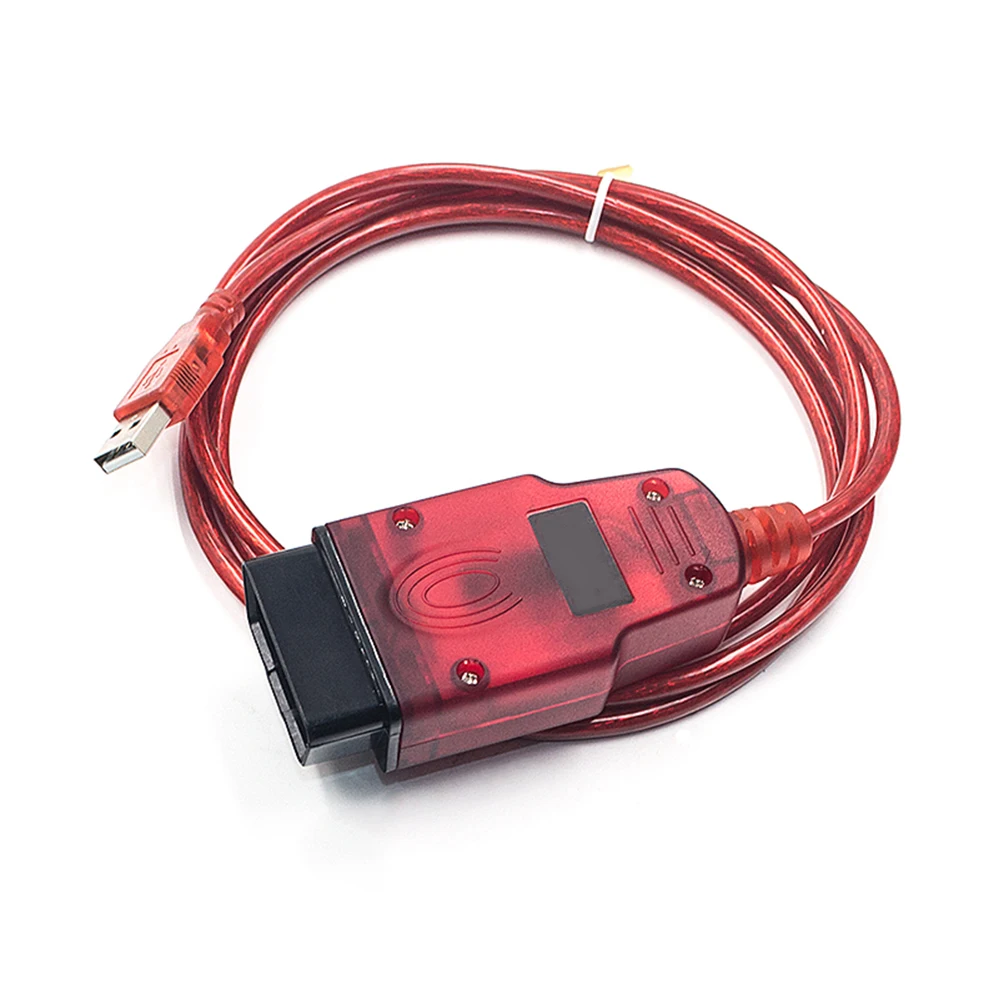
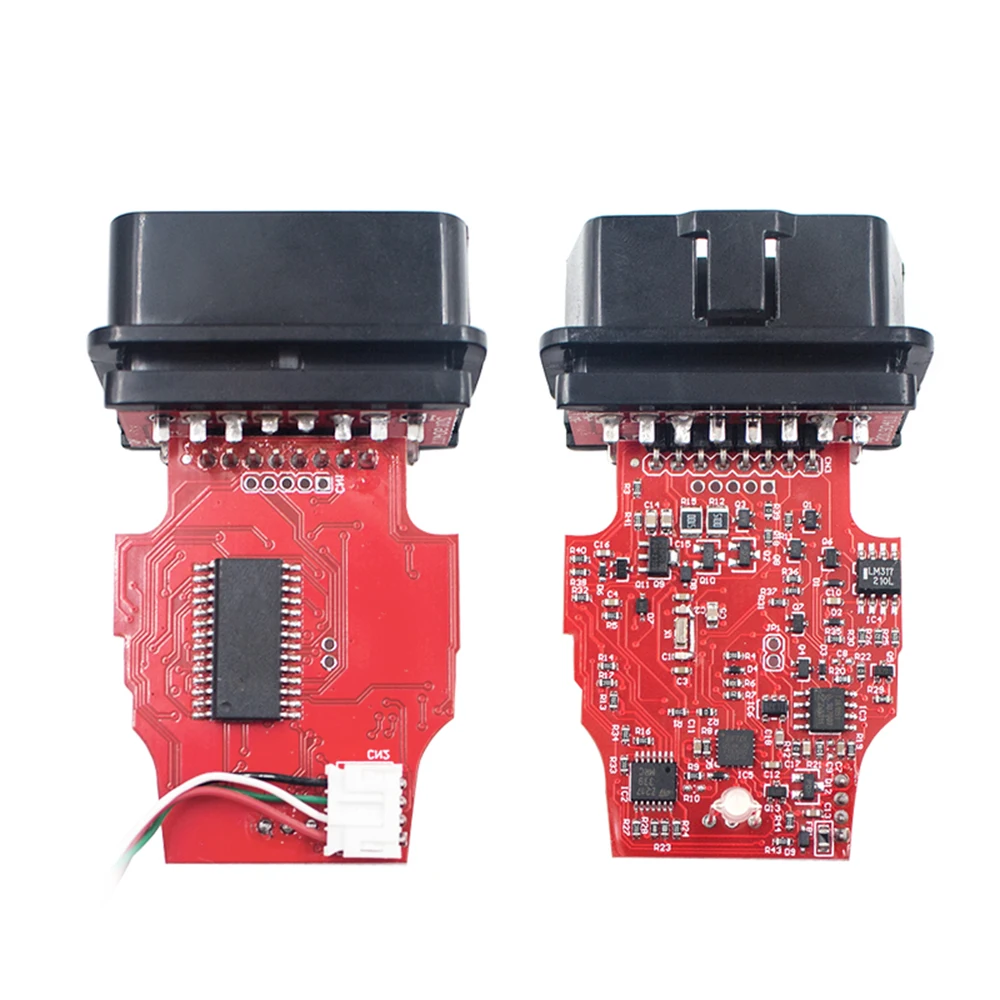
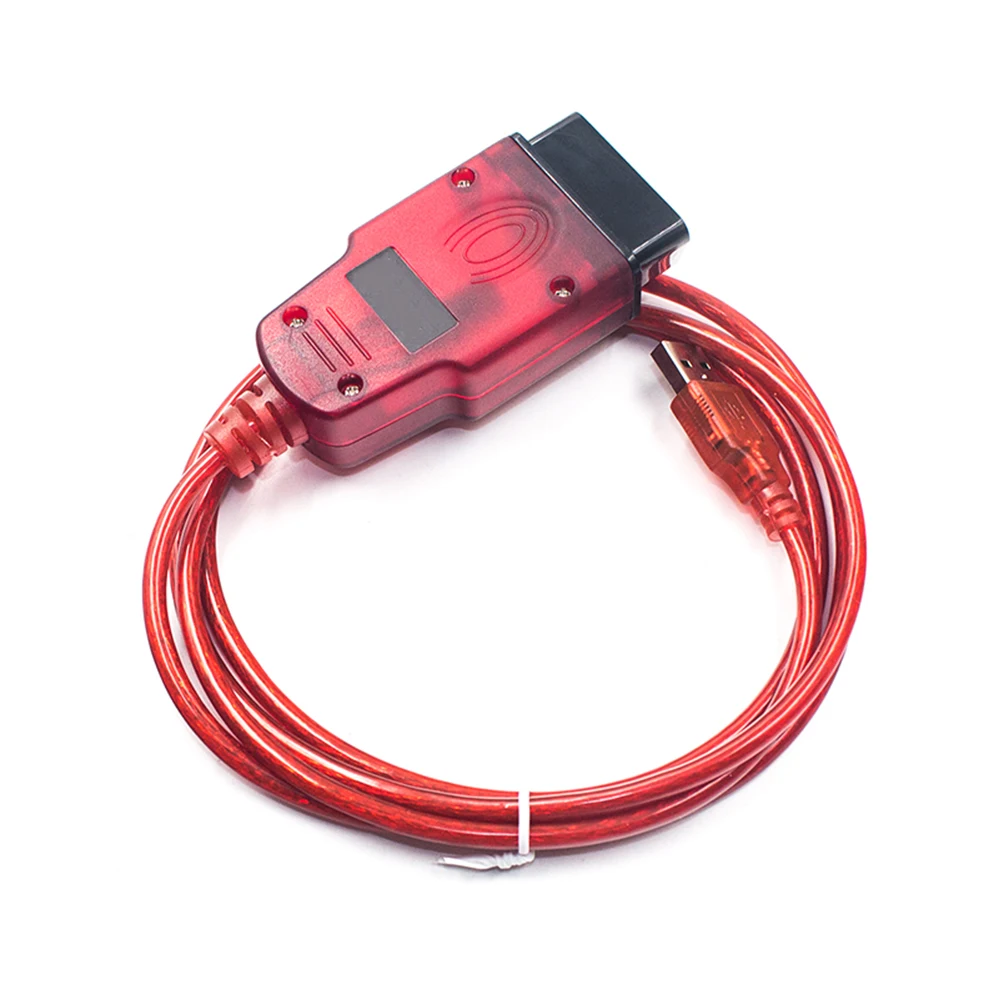
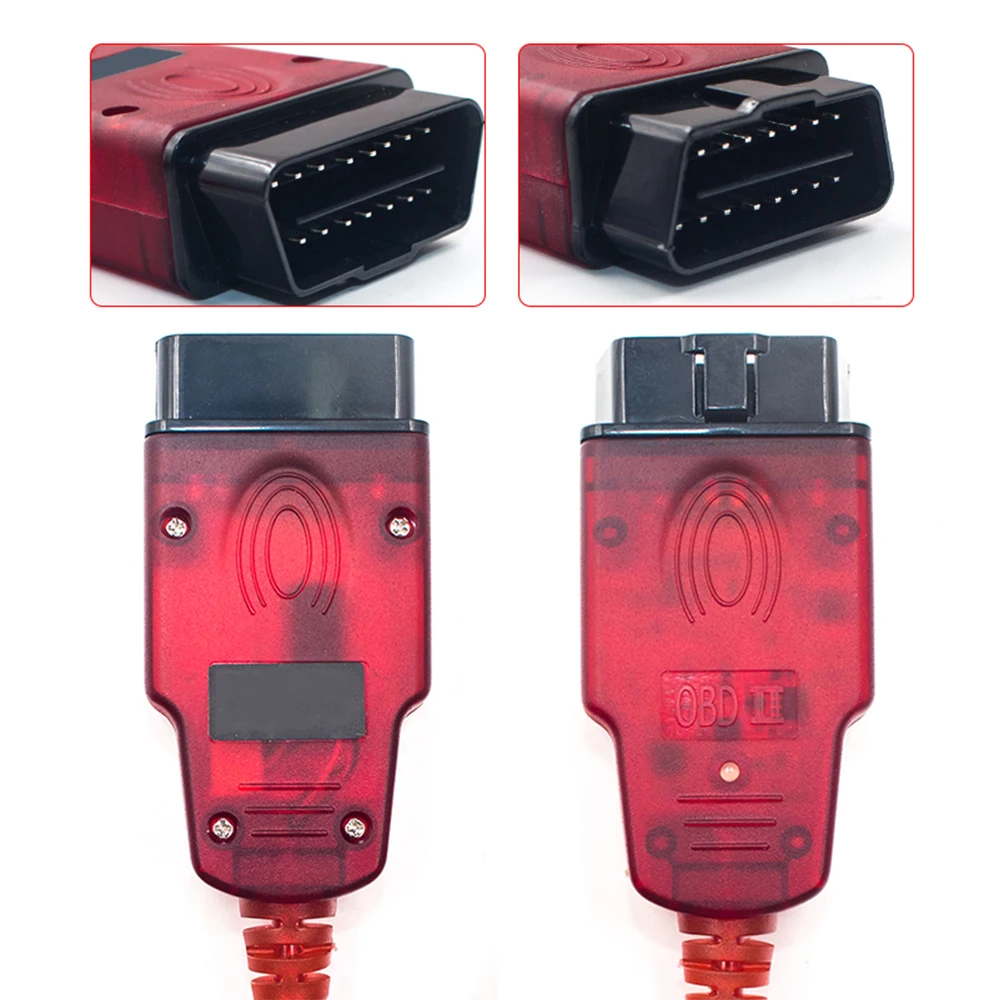
The Renolink V2.11 is a highly specialized diagnostic and programming interface designed for deep-level electronic work on Renault and Dacia vehicles. Unlike standard OBD2 scanners, Renolink is a powerful ECU programmer that allows technicians to perform advanced tasks such as airbag resetting, key coding, and module virginization directly through the OBD2 port.
This is an aftermarket professional solution designed for workshops and specialists. It is not an official Renault product.
Vehicle Compatibility & Advanced Module Support
Renolink is the go-to tool for Renault, Dacia, and Samsung vehicles, offering extensive coverage for both older models and the latest generations (including Clio 5, Megane 4, and Logan 3). It is specifically engineered to communicate with:
- Engine Control Units (ECM/ECU): Read/write flash and eeprom, resetting, and matching.
- Body Control Modules (UCH): PIN code reading, UCH cleaning, and unit replacement.
- Airbag Modules: Clearing crash data and resetting SRS systems.
- Power Steering (EPS/DAE): Virginizing steering assist for automatic learning.
- Instrument Clusters (TDB): Modification and repair of dashboard data.
Supported models include:
Renault Clio (all versions), Megane, Scenic, Laguna, Talisman, Kadjar, Captur, Espace, Koleos, Master, Trafic, and Dacia Logan, Sandero, Duster, Dokker, and Lodgy.
Professional Programming & Repair Functions
Renolink V2.11 provides a suite of functions that usually require expensive dealer equipment or disassembling the vehicle’s electronics.
🎈 Airbag Reset & Crash Data Clear
One of the most popular features is the ability to Clear Crash Airbag data with just a few clicks. This is essential after a vehicle has been in an accident and the airbag module is locked.
- Supports modern modules: Clio 5, Logan 3, Sandero 3.
- No need to desolder chips; works entirely via OBD2.
🔑 Key & Card Programming
Renolink allows for the programming of new keys and cards for a wide range of models:
- Key Programming: Dacia Logan 2, Sandero 2, Duster ph2, Lodgy, Dokker.
- Card Programming: Laguna 3 and Megane 3 (including protected mode), Clio 4 (2012–2015).
- PIN Code Reading: Extract PIN codes for HFM Renault Clio 4 and Captur (2016+).
🖥️ ECU & UCH Virginization
When installing used parts, they must be “virginized” (reset to factory state) so they can learn the new vehicle’s data.
- UCH Cleaner: Read PIN and reset UCH modules.
- EPS/DAE Virginizer: Reset power steering for Megane 4, Clio 5, Talisman, and Scenic 4.
- ECM Reset: Learn and match ECUs for Dacia Logan 2, Sandero, and Duster.
📊 Dashboard & EEPROM Work
- Read and write EEPROM and Flash memory without removing the chip.
- Modify and repair dashboard (TDB) data for Espace 4, Laguna 3, Megane 3, and Fluence.
- Reset and adjust instrument cluster parameters.
Hardware, Software & Version Differences
This package includes the latest Renolink V2.11 software, which is a significant upgrade over older versions like V1.99 or V1.87.
- Software Version: Renolink V2.11 + Easy Renault v6.1.4 (with Keygen/Activator).
- Language Support: English, French, and Polish.
- Operating System: Optimized for Windows 10. (Note: Windows 11 is generally not supported for this specific version).
- Hardware Compatibility: The V2.11 software is compatible with Renolink hardware versions 1.87, 1.99, and 2.10.
Important Installation Note: To ensure a successful setup, antivirus software and Windows Defender must be temporarily disabled, as the specialized programming files may be incorrectly flagged as a threat.
Solving Common Vehicle Problems
Renolink is designed to help customers solve specific, high-cost electronic issues:
- “Check Airbag” Warning: Use the Clear Crash function to reset the module after a repair.
- Lost Keys/Cards: Program new replacements without needing the dealer.
- Used Part Matching: If you buy a used UCH or Power Steering rack, use the Virginizer function to make it compatible with your car.
- Power Steering Failure: Fix “Steering Not Detected” errors by resetting the DAE/EPS module.
- Immobilizer Issues: Read PIN codes and reset IMMO data to get the car starting again.
Requirements:
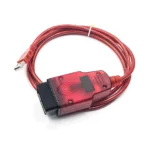
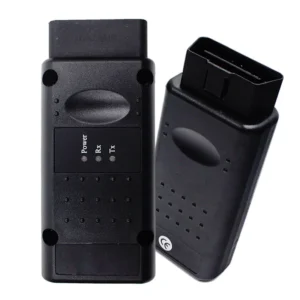
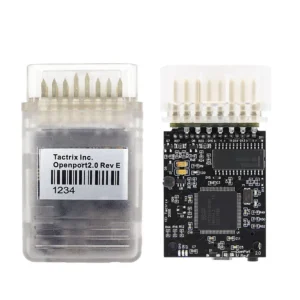
- A compatible Renolink Diagnostic Cable (V1.87/V1.99/V2.10).
- Windows 10 PC (32/64 bit).
- Basic knowledge of vehicle electronic systems.
Note: Advanced programming functions should be performed with care. Always ensure a stable power supply to the vehicle during ECU operations.
 English
 French
 Spanish
 German
 Polish
 Czech
Czech Romanian
 Italian
Recenzii
There are no reviews yet