
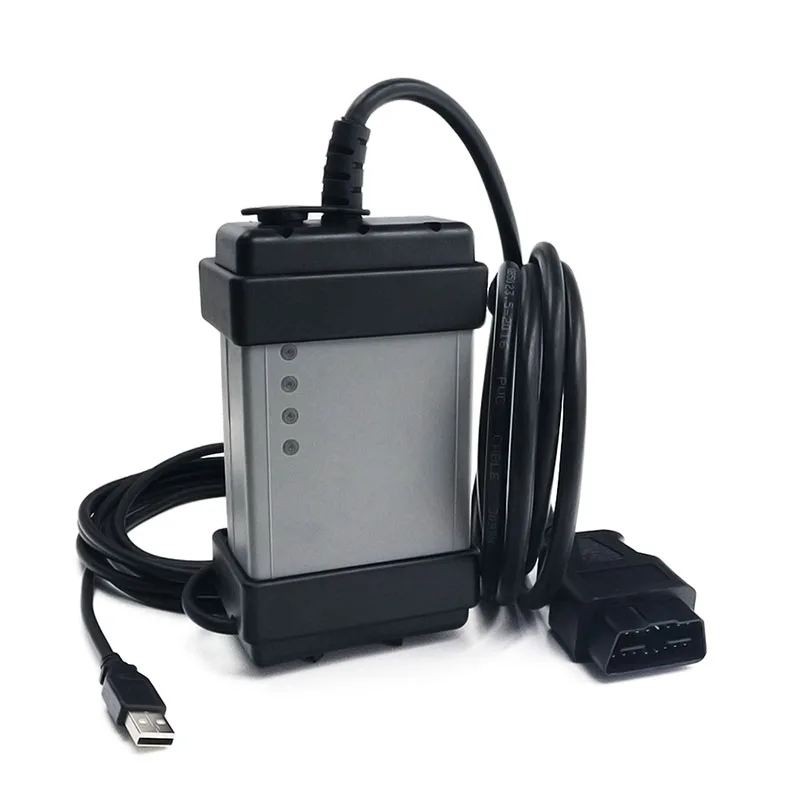
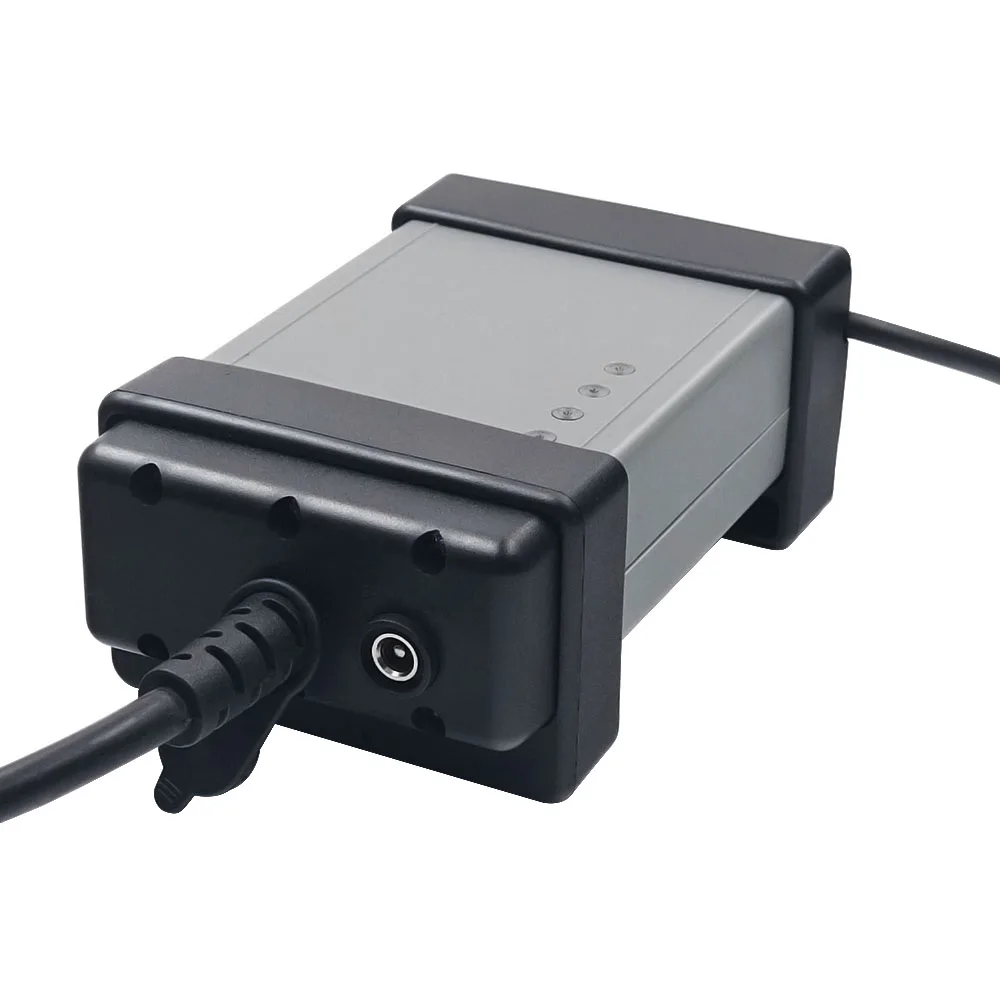
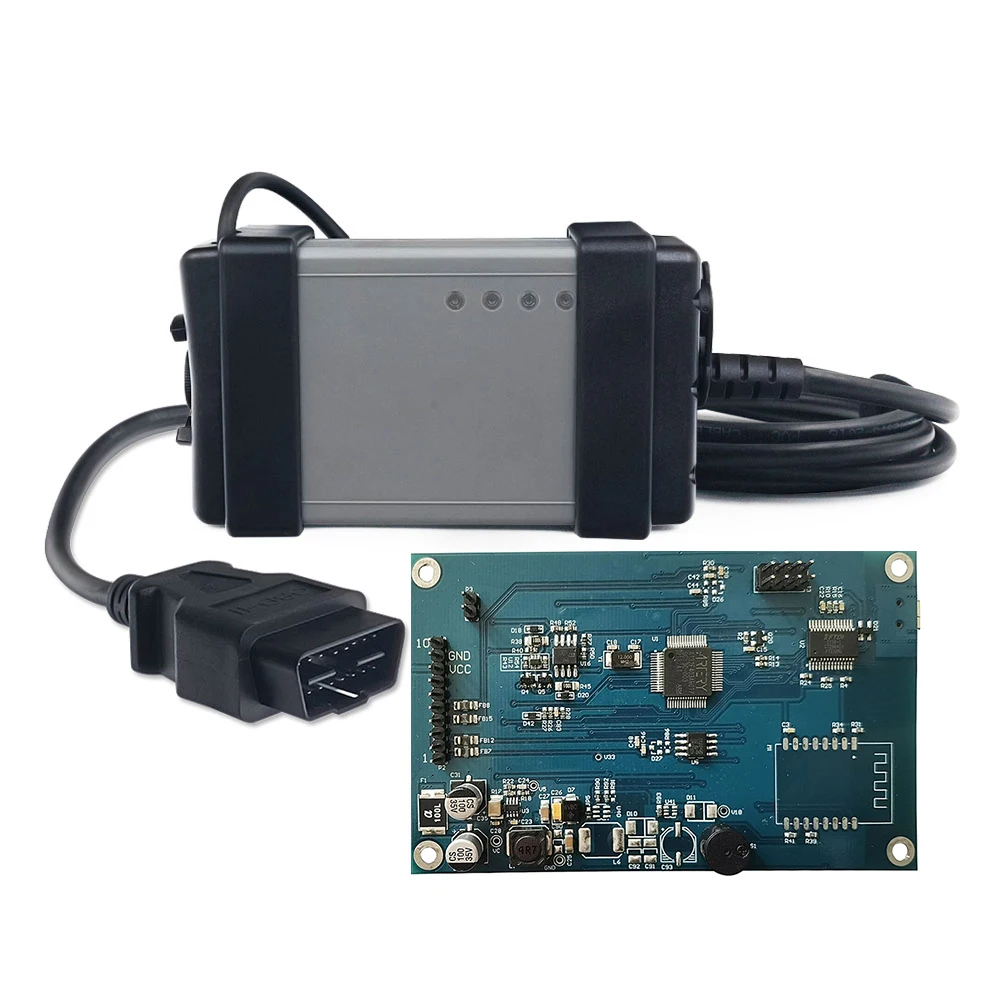
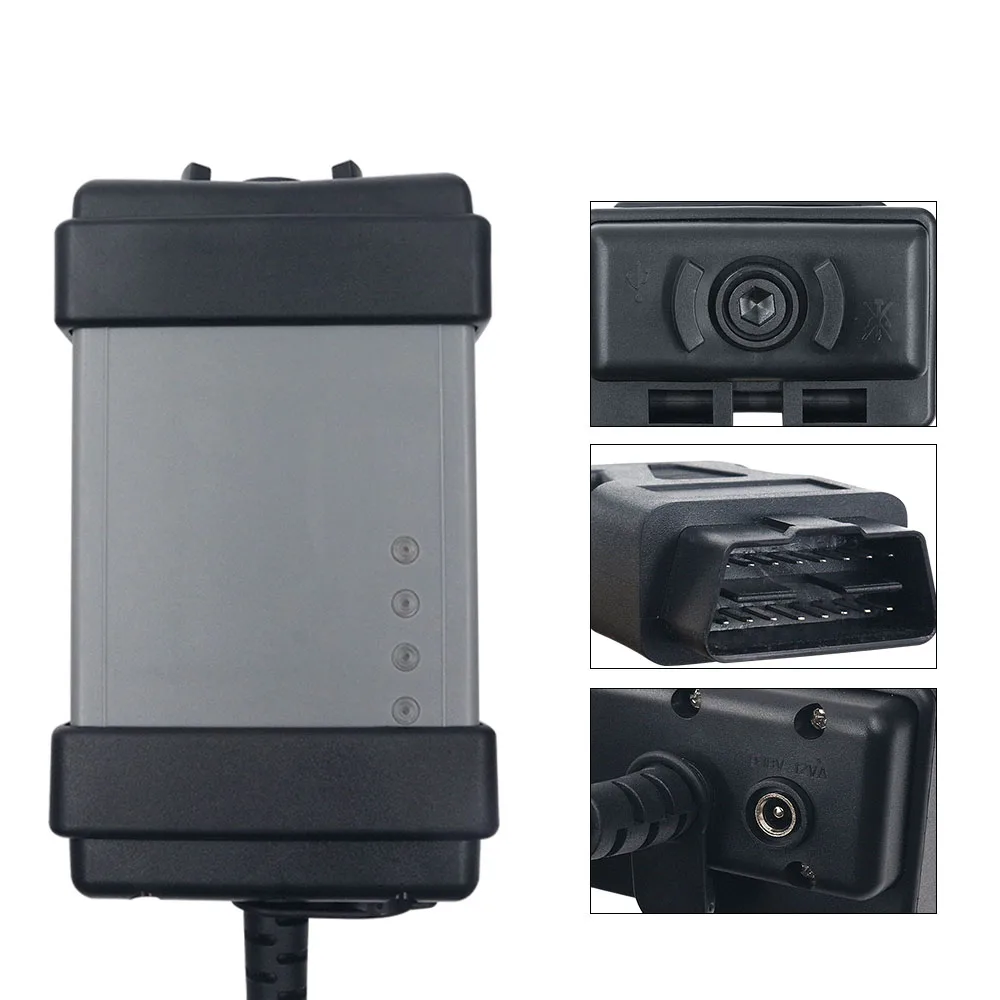
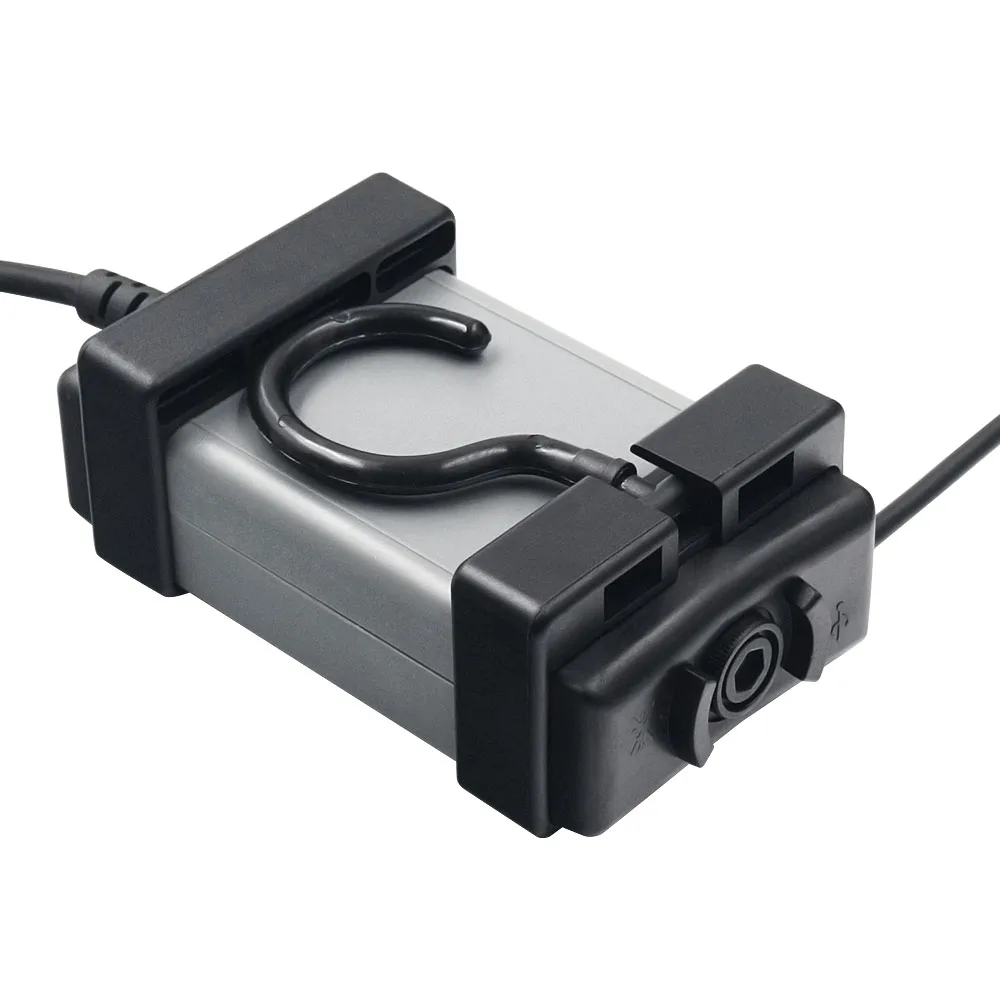
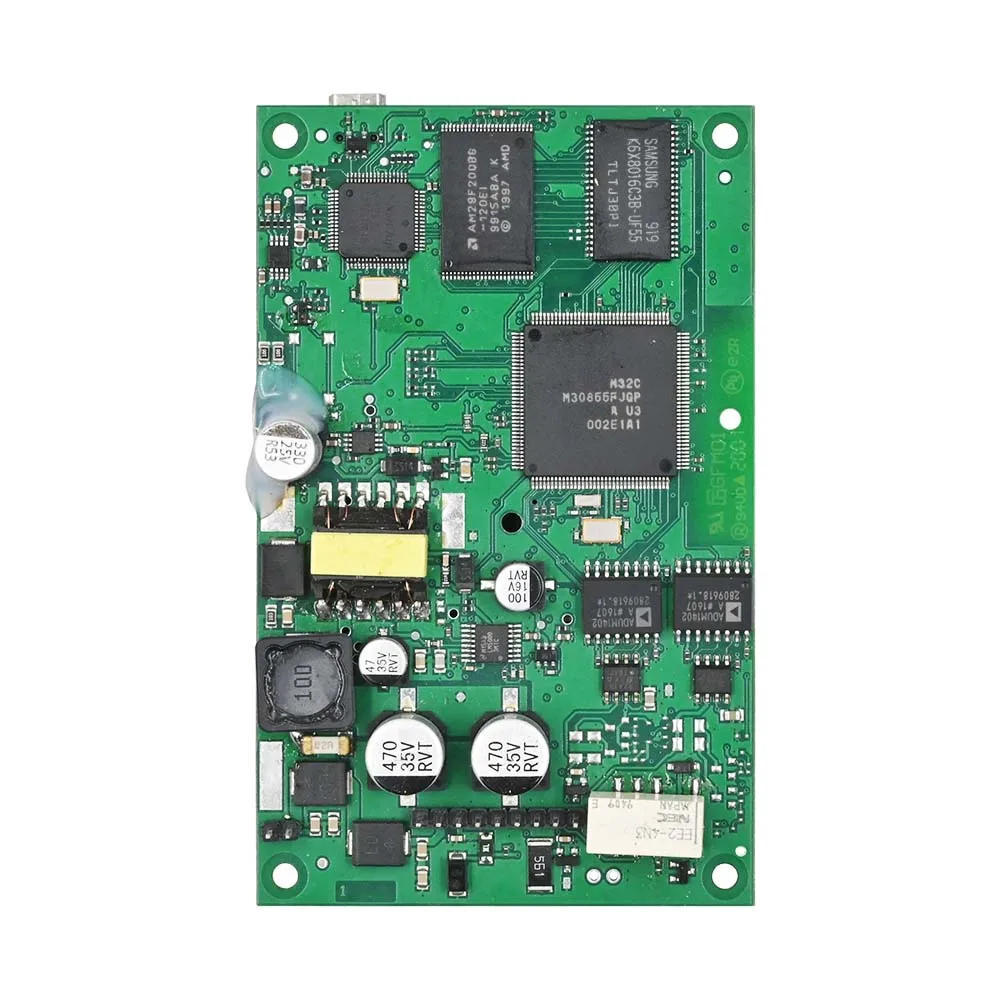
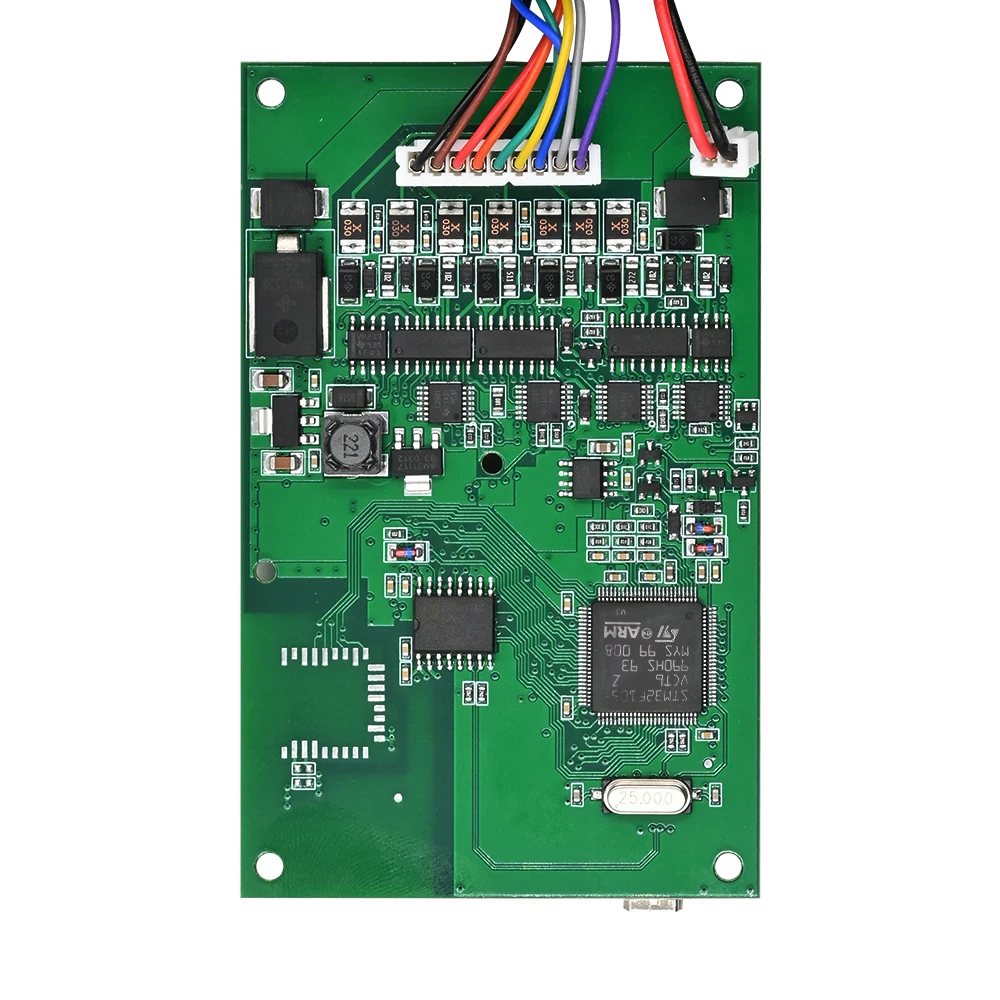
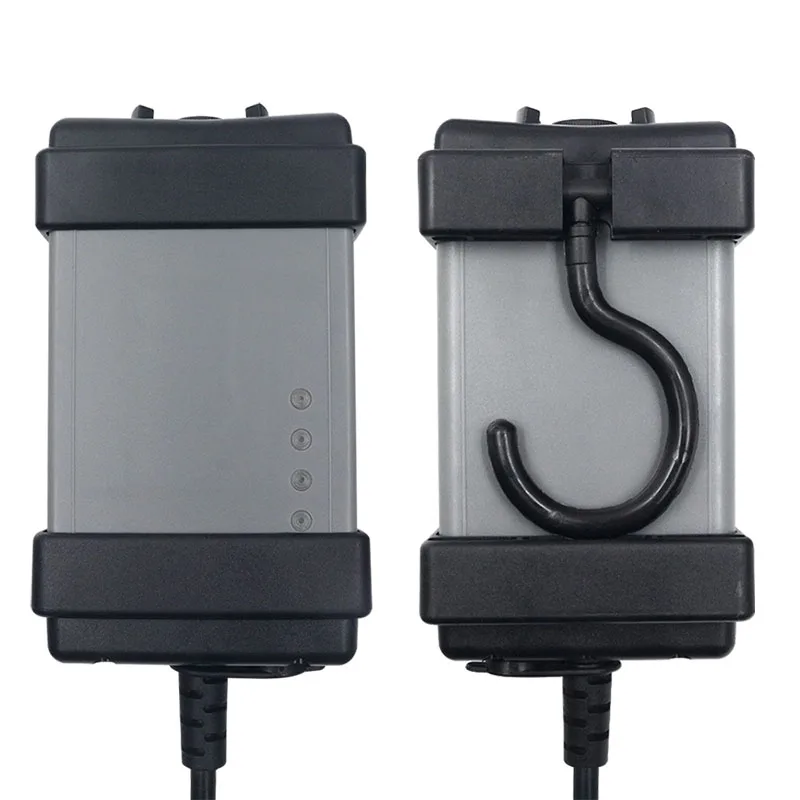
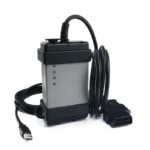
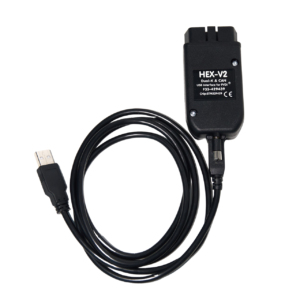
Na stránkách Profesionální diagnostický nástroj DICE je diagnostické rozhraní určené pro komplexní diagnostiku vozidel, odstraňování závad a provádění servisních úkonů na vozidlech značky Volvo. Při použití se softwarem VIDA umožňuje rozsáhlý přístup k systému podobný nástrojům používaným v autorizovaných servisech, což uživatelům umožňuje identifikovat poruchy, sledovat data v reálném čase a provádět údržbové práce.
Toto je diagnostické řešení pro trh s náhradními díly navrženo tak, aby fungovalo podobně jako originální vybavení značky Volvo. Nejedná se o oficiální produkt značky Volvo.
Kompatibilita vozidel, systémy a diagnostika skutečných problémů
Tento nástroj podporuje širokou škálu vozidel značky Volvo:
- Verze s plnou čipovou sadou: přibližně. 1999–2014 (K-Line + CAN, plná funkčnost)
- Verze J2534: přibližně. 2006–2014 (Pouze pro Kanadu, omezené funkce)
Mezi podporované modely patří:
S40, S60, S70, S80, V40, V50, V60, V70, XC60, XC70, XC90, C30, C70 a další.
Toto zařízení komunikuje se všemi hlavními systémy: motorem, převodovkou, systémem ABS, airbagem (SRS), řídicí jednotkou motoru (CEM), řídicí jednotkou osvětlení (DIM), klimatizací, dveřmi, odpružením a řízením.
🔧 Problémy s motorem a výkonem
Tento nástroj pomáhá diagnostikovat běžné poruchy motoru, jako jsou například:
- Kontrolka poruchy motoru (MIL svítí)
- Chyby selhání zapalování (řada P0300)
- Poruchy tlaku v turbodmychadle
- Problémy s ventilem EGR
- Problémy s palivovým systémem (vstřikovače, čerpadlo, úniky vzduchu)
Díky živým údajům lze sledovat průtok vzduchu, korekce paliva, plnicí tlak a hodnoty snímačů, což pomáhá identifikovat:
- Výpadek proudu
- Nerovnoměrný volnoběh
- Zvýšená spotřeba paliva
⚙️ Problémy s převodovkou a jízdou
Diagnostikujte poruchy převodovky, mimo jiné:
- Tuhé řazení nebo zpožděné řazení
- Prokluz ozubených kol
- Přehřátí převodovky
Hodí se, když:
- Vozidlo při jízdě cuká
- Na palubní desce se zobrazují varovné zprávy
🛑 ABS / ESP a bezpečnostní systémy
Přečtěte si chyby, jako například:
- Porucha snímače rychlosti kola
- Chyby čerpadla nebo modulu ABS
Pomáhá v následujících případech:
- Svítí kontrolka ABS nebo kontroly trakce
- Brzdění působí nestabilně
💺 Poruchy airbagu (SRS)
Zjistěte a odstraňte:
- Chyby modulu airbagu
- Poruchy snímače nárazu
- Problémy se snímačem obsazenosti sedadel
Důležité v následujících případech:
- Kontrolka airbagu zůstává rozsvícená i po opravě
🔌 Problémy s elektrickým systémem a karoserií (CEM / BCM)
Diagnostikujte problémy, jako jsou:
- Porucha centrálního zamykání
- Porucha okna nebo zrcátka
- Poruchy osvětlovacího systému
Pomáhá řešit:
- Auto se nezamyká/odemyká
- Nesprávné chování elektrických prvků
📟 Palubní deska / Kombinace přístrojů (DIM)
- Číst chyby komunikace
- Diagnostika problémů s varovnými hlášeními
Hodí se, když:
- Na ovládacím panelu se zobrazují nesprávné údaje
- Porucha rychloměru nebo směrových světel
🌡️ Problémy s klimatizací
- Diagnostika poruch klimatizace a topení
- Zjistěte závady motoru ventilátoru nebo snímače
Pomáhá v následujících případech:
- Bez chlazení ani vytápění
- Ventilátor nefunguje
Servisní funkce a využití v dílně
- Vynulování servisního intervalu (olej, kontrola)
- Zkoušky pohonných jednotek (ventilátory, čerpadla, relé)
- Kalibrace a přizpůsobení systému
- Diagnostika s průvodcem a pokyny k opravě
Tyto funkce pomáhají:
- Před výměnou ověřte, zda jsou součásti vadné
- Snižte zbytečné náklady na opravy
- Zrychlete řešení problémů
Hardware, software a verze
- Stáj USB připojení (bez Bluetooth)
- Integrovaný kabel OBD2
- LED kontrolky stavu
Protokoly:
- K-Line
- CAN-BUS
Software:
- VIDA 2014D (hlavní verze)
- VIDA 2015A (omezená podpora)
Systémové požadavky:
- Windows 7 Professional
- Prohlížeč IE + .NET Framework
Pro zajištění nejlepší kompatibility a spolehlivosti doporučujeme verzi „Full Chip“.
Software VDASH – rozšířené funkce a podpora novějších modelů Volvo
Na stránkách Software VDASH výrazně rozšiřuje možnosti tohoto nástroje nad rámec standardní diagnostiky VIDA.
Díky VDASH mohou uživatelé:
- Změna nastavení jazyka vozidla (přístrojová deska / infotainment)
- Zapnout nebo vypnout skryté funkce (např. automatické zamykání, chování denních světel)
- Úprava konfigurace a parametrů řídicí jednotky (ECU)
- Proveďte pokročilou diagnostiku, která není k dispozici v systému VIDA
- Částečná podpora pro novější modely Volvo až do modelového roku 2025
Je to užitečné zejména pro:
- Dovezená vozidla s nesprávným jazykem
- Aktivace a přizpůsobení funkcí
- Pokročilí uživatelé, kteří potřebují větší kontrolu
Důležité:
- VDASH vyžaduje placená licence nebo kredity
- Některé funkce se platí za jednotlivé použití
- Je nutné připojení k internetu
- Kompatibilita závisí na typu vozidla
Důležité upozornění – Programování a omezení
Tento nástroj je určen především pro diagnostika a servisní práce.
Pro:
- Programování řídicí jednotky
- Stažení softwaru
- Činnosti související s bezpečností
Potřebujete oficiální online účet Volvo VIDA.
Bez toho:
- Programovací funkce jsou omezené
- Bezpečnostní funkce jsou omezeny
To platí i pro originální nářadí od prodejce.
 English
 French
 Spanish
 German
 Polish
 Czech
Czech Romanian
 Italian
Recenze
Zatím nejsou žádné recenze