
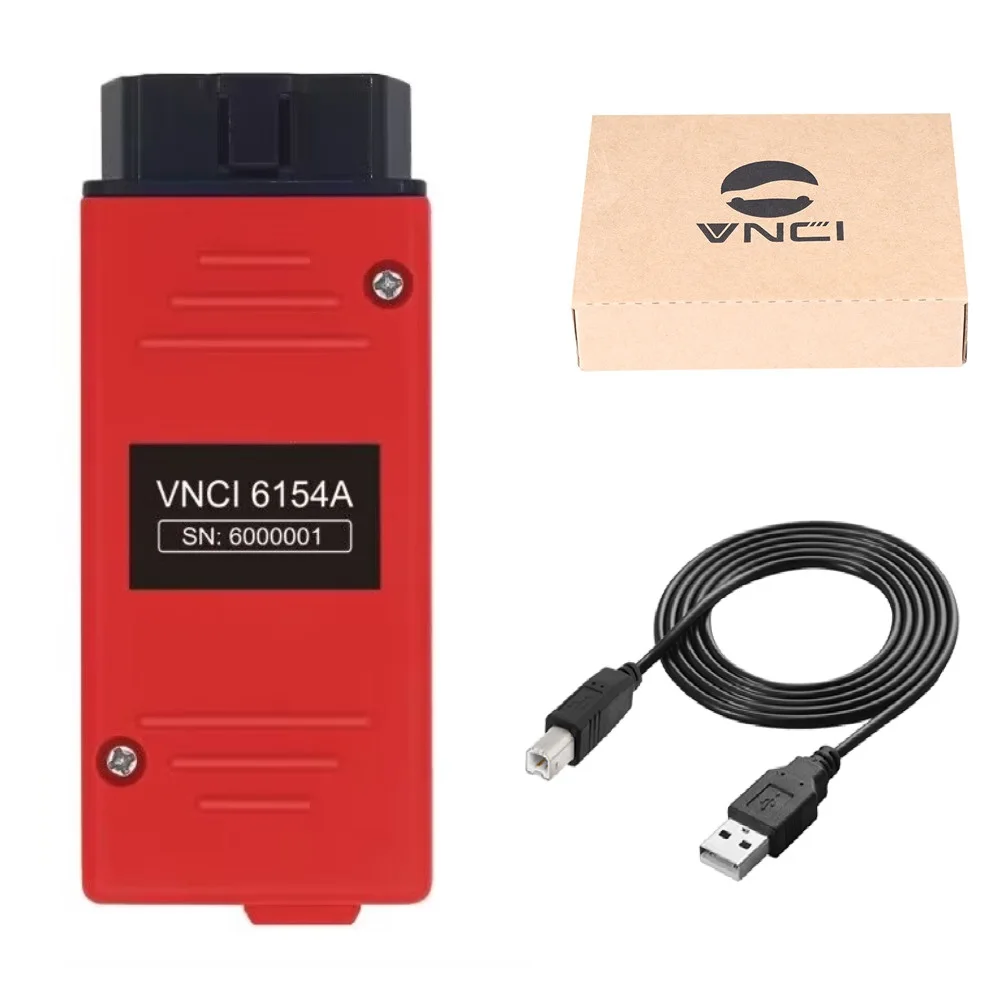
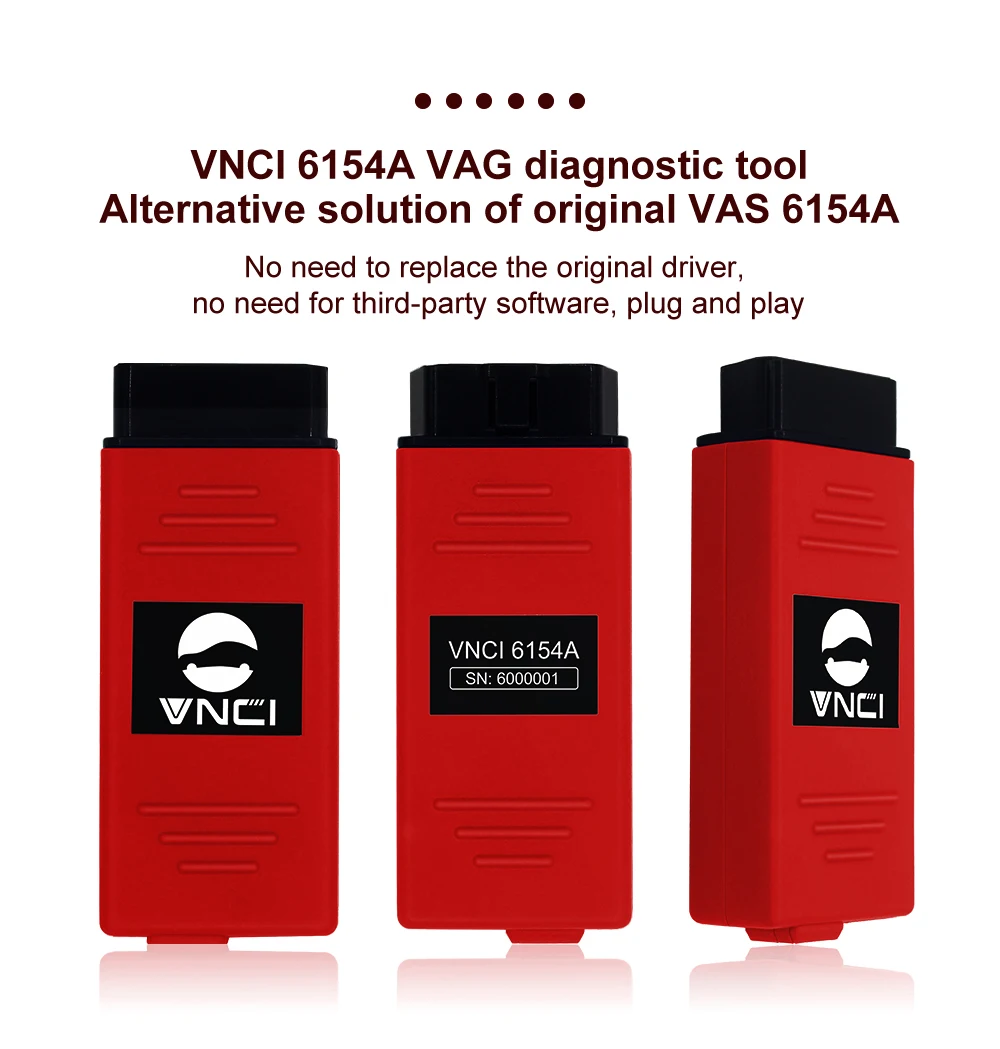
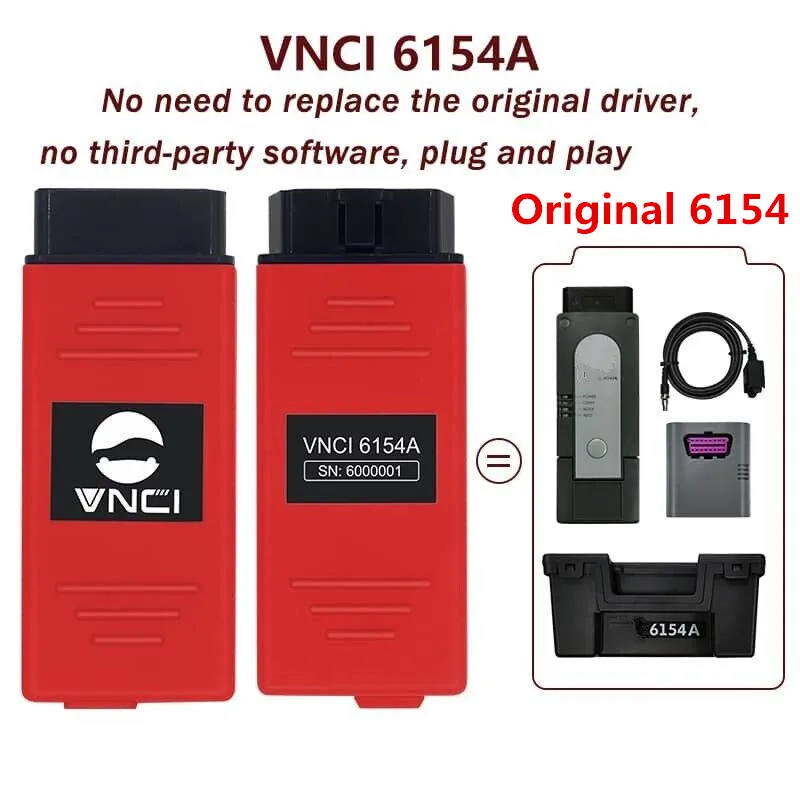
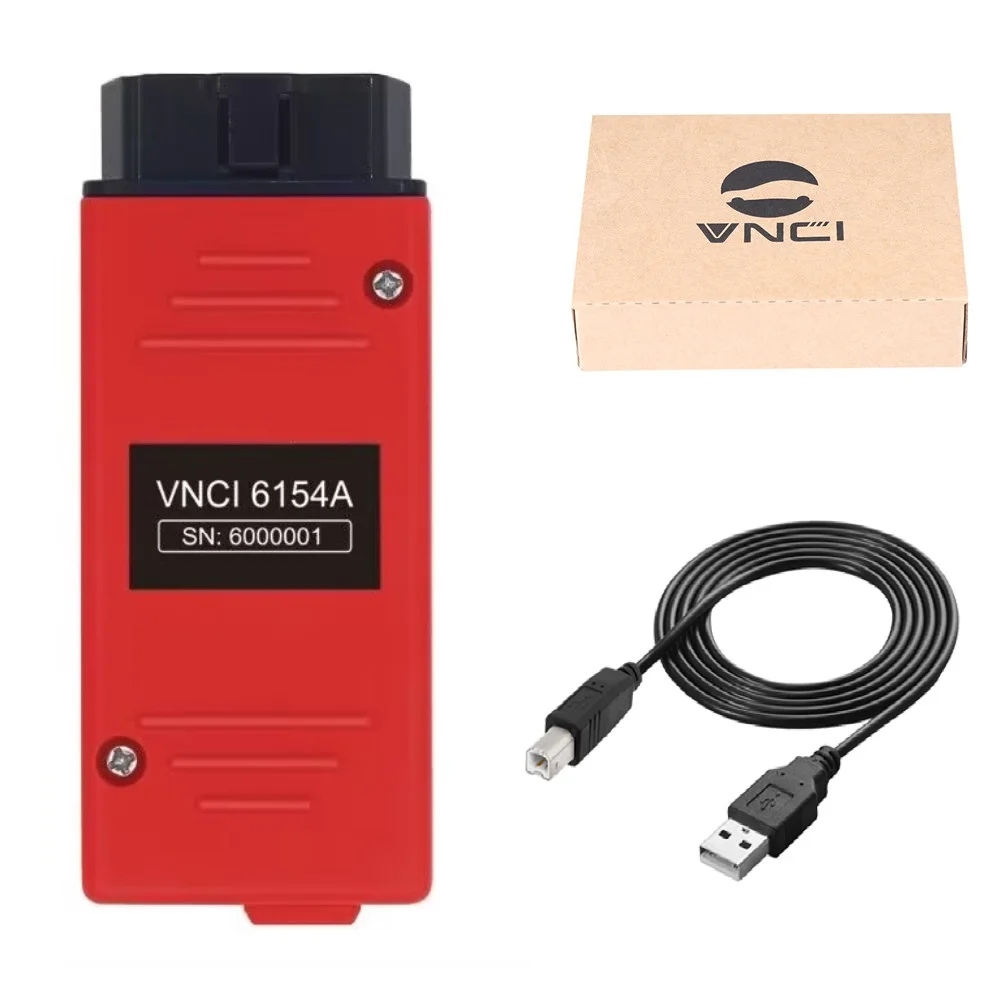
Les VNCI 6154A is a high-performance, professional-grade diagnostic and programming interface designed for the entire VAG Group vehicle range. This advanced tool is the ultimate solution for technicians who require accès réservé aux concessionnaires to vehicles from 1995 to 2025. Unlike standard OBD2 scanners, the VNCI 6154A supports the latest automotive communication standards, including CAN FD and DoIP, making it compatible with the newest generation of luxury and electric vehicles.
Il s'agit d'un professional aftermarket interface designed to work seamlessly with original drivers and software. It is not an official Volkswagen AG product.
Vehicle Compatibility & Advanced Protocol Support
The VNCI 6154A offers comprehensive coverage for all 9 major VAG brands, including Volkswagen, Audi, Skoda, Seat, Bentley, and Lamborghini. It is engineered to handle the complex electronic architectures of both classic and modern cars.
- Legacy Support: Full communication with older models using K-Line and standard CAN-BUS protocols.
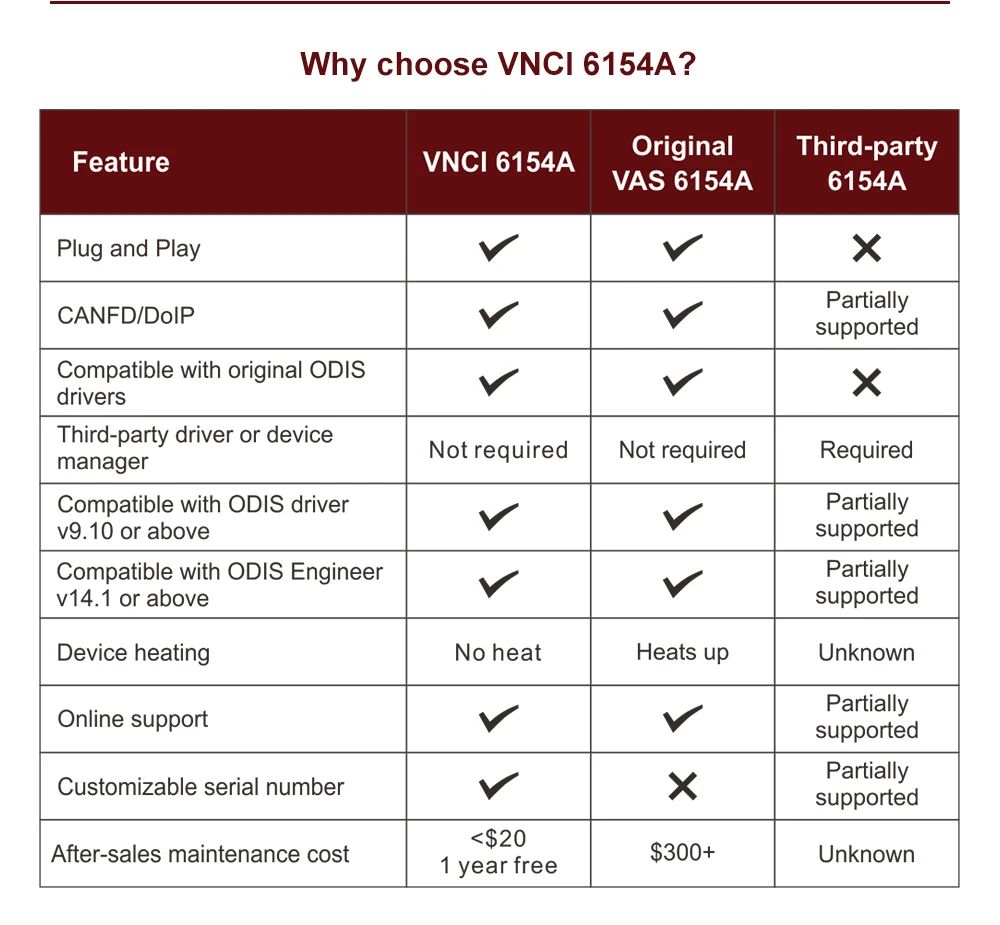
- Modern Support (2018–2025): Entièrement compatible avec DoIP (Diagnostics over IP) et CAN FD, which are required for high-speed data transfer in the latest vehicle models.
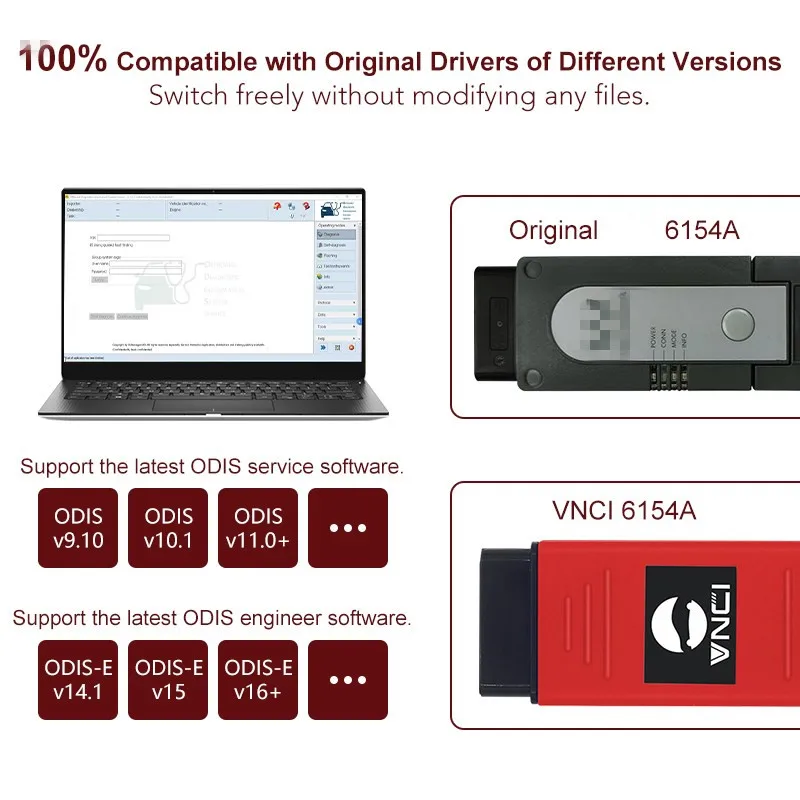
- Original Driver Compatibility: Works directly with original drivers—no “Driver Manager” or third-party patches required for basic operation.
Fonctions professionnelles de diagnostic et de programmation
This interface is designed for deep-level workshop operations, providing access to every electronic control unit (ECU) in the vehicle.
🛠️ Full System Diagnostics & Troubleshooting
- Lire et effacer les codes d'erreur (DTC): Access all modules including Engine, Transmission, ABS, Airbag, Central Electronics, and Infotainment.
- Guided Fault Finding (GFF): Follow step-by-step diagnostic procedures to locate the root cause of complex electrical issues.
- Flux de données en direct: Monitor real-time sensor values, such as turbo boost, fuel pressure, and battery health.
💻 ECU Coding & Programming
- Codage des modules: Configure new parts (e.g., steering angle sensors, battery registration, or headlight modules) to match the vehicle.
- ECU Flashing: Perform firmware updates and software optimizations.
- Personalized Settings: Activate hidden features like “needle sweep,” auto-locking, or daytime running light customizations.
🔐 Immobilizer & Online Functions
- Programmation des touches: Perform immobilizer adaptations and key learning.
- Remote Diagnostics: Supports remote online programming and remote technical support.
- Online Access: Compatible with official online accounts for component protection removal and online coding (requires user-provided online account).
Caractéristiques matérielles et connectivité
The VNCI 6154A hardware has been upgraded to solve common issues found in older “clone” devices, such as overheating and firmware loss.
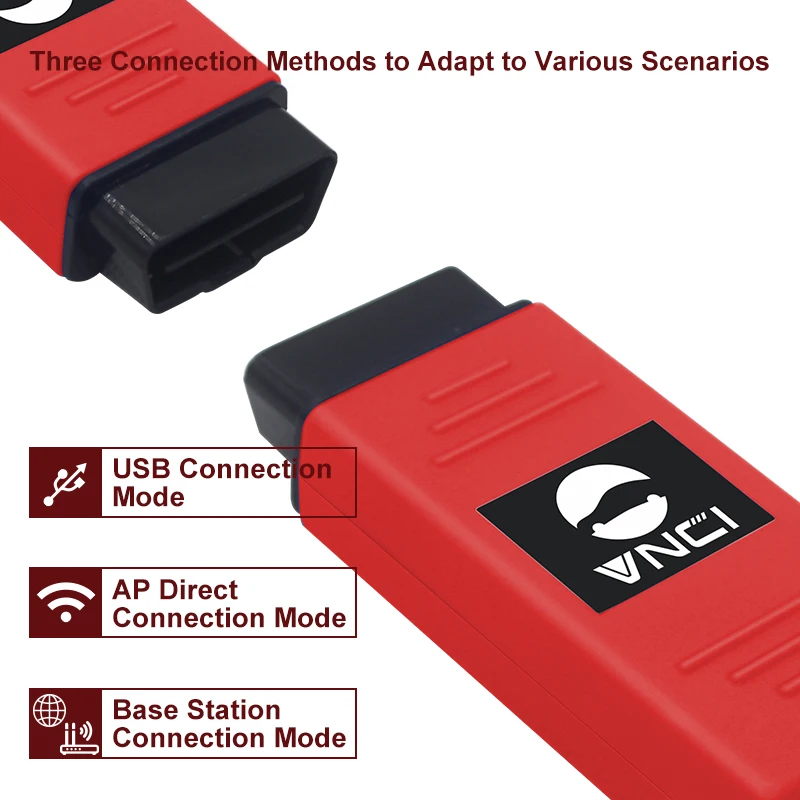
- Dual Connection Modes: Supports high-speed USB for stable programming and WLAN (WiFi) for mobile workshop diagnostics.
- Mode Switching: Features a physical button to switch between Base Station and Hotspot modes.
- Stable Performance: Improved thermal management ensures the interface remains cool during long flashing sessions.
- Prise en charge multilingue: Fully supports 23 languages, including English, German, French, Spanish, Italian, Russian, and more.
Résoudre les problèmes courants des véhicules
The VNCI 6154A is the primary tool for solving high-level technical issues that generic scanners cannot handle:
- “Component Protection Active”: Use with an online account to unlock replaced modules like MIB infotainment or instrument clusters.
- AdBlue & DPF Issues: Perform forced regenerations, sensor resets, and system adaptations.
- Transmission Jerking: Perform basic settings and adaptations for DSG and automatic gearboxes.
- New Car Connectivity: Fix communication errors on 2020+ models that require DoIP or CAN FD protocols.
- Service Maintenance: Reset inspection lights, perform electronic parking brake (EPB) service, and bleed ABS systems.
Exigences logicielles et techniques
To ensure the best performance, the VNCI 6154A should be used with a high-specification laptop.
- Système d'exploitation: Optimisé pour Windows 10 (64-bit).
- Storage Space: Requires at least 30GB of free space on the C: drive for software installation.
- Software Versions: Compatible with the latest versions, including V25.2.1 et Engineering V20.0.0.
- Free Gifts: Often includes essential workshop software like ELSAWIN (Repair Manuals) and Engineering versions for advanced coding.
 English
 French
 Spanish
 German
 Polish
 Czech
Czech Romanian
 Italian
Avis
Il n’y a encore aucun avis