
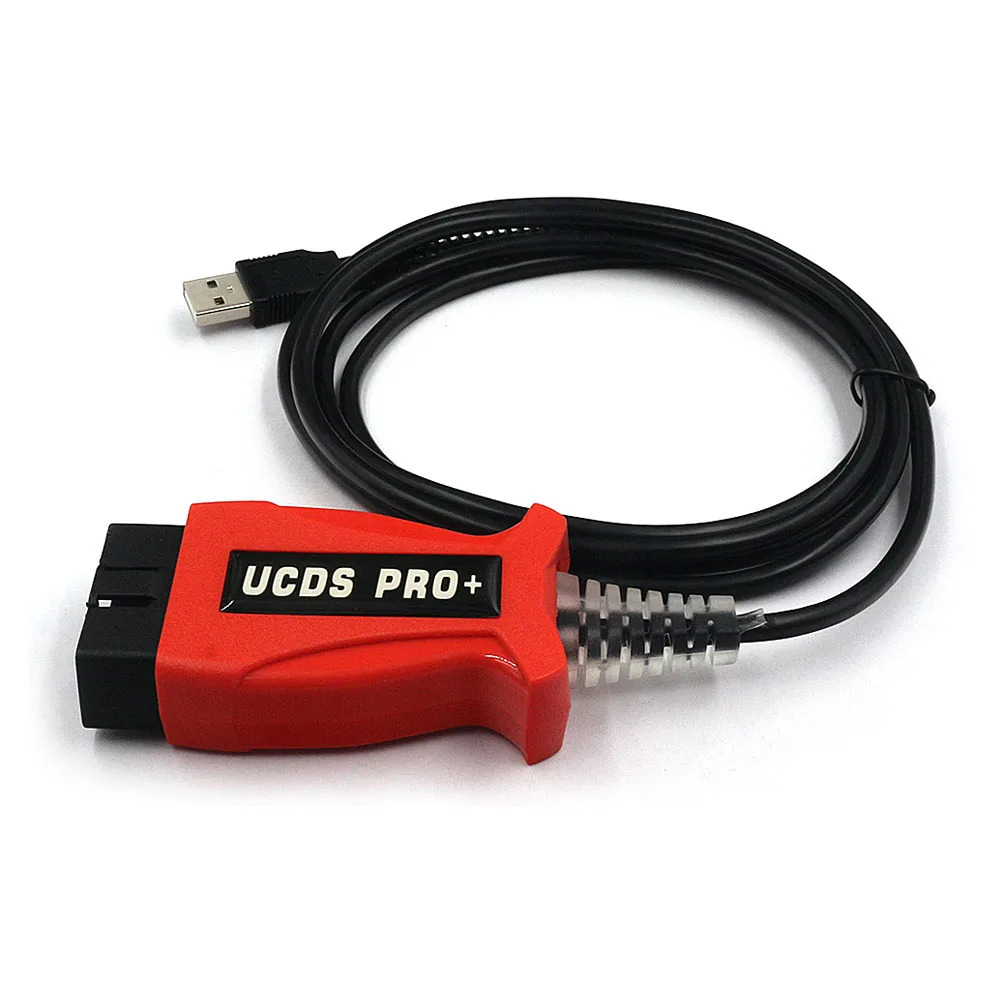
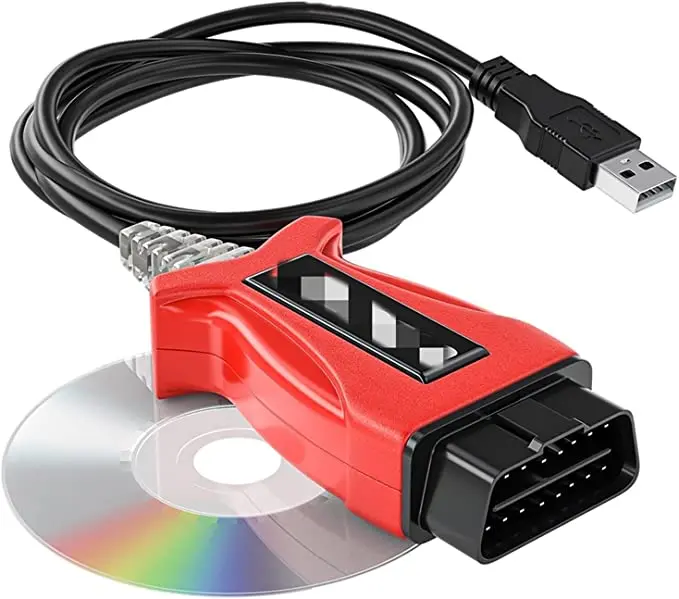
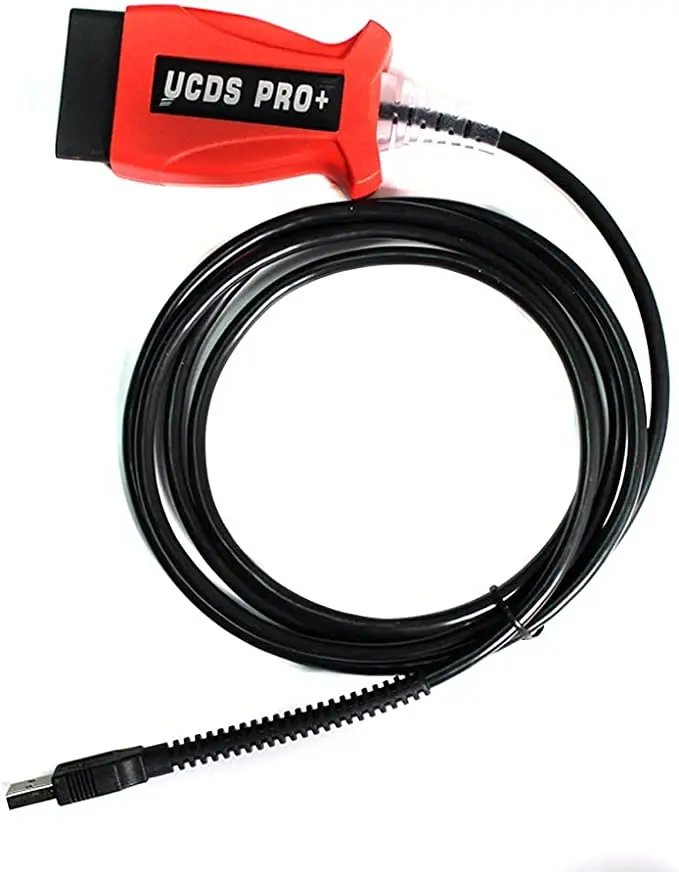
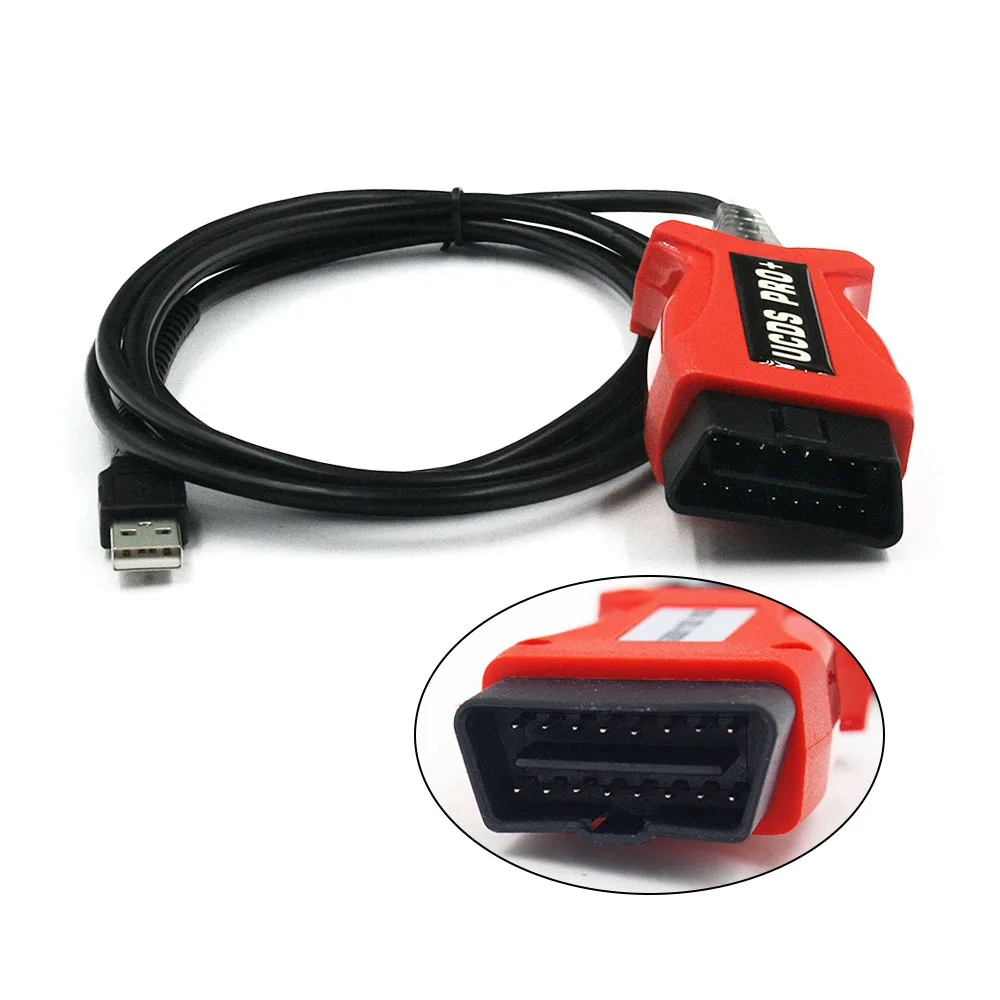
En UCDS Pro+ (Sistema universal de diagnóstico CAN) es una potente interfaz de diagnóstico y programación de nivel profesional diseñada específicamente para Vehículos Ford. Esta herramienta avanzada va mucho más allá de los escáneres OBD2 estándar, ya que ofrece un acceso exhaustivo a la configuración del vehículo, al firmware de la ECU y a los datos de los módulos internos. Es muy utilizada por los especialistas para tareas como programación de módulos, edición de planos de obra y configuración avanzada del sistema, lo que la convierte en una solución imprescindible tanto para talleres como para aficionados con experiencia.
Equipado con versión del software V1.27.001 Además de una interfaz con todas las funciones, el UCDS Pro+ permite una comunicación fiable con los sistemas de los vehículos Ford a través de una conexión USB. Está diseñado para garantizar un funcionamiento estable y un control preciso de la electrónica del vehículo.
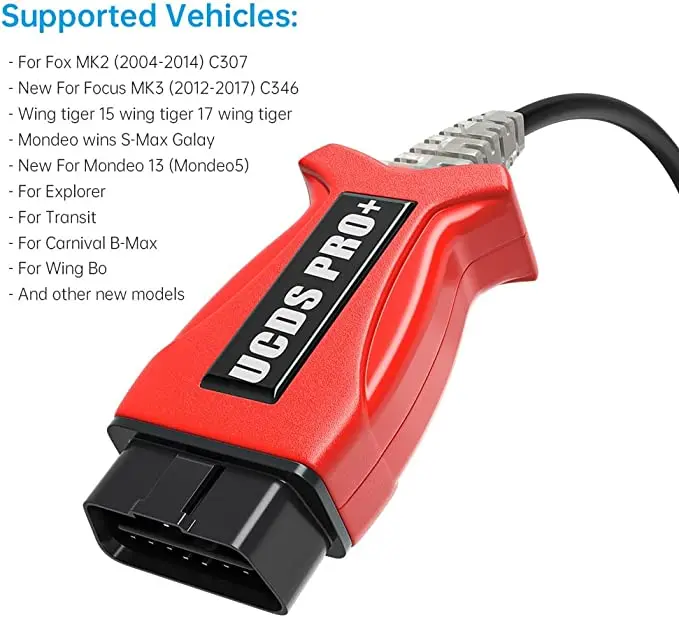
Compatibilidad con vehículos y compatibilidad con plataformas
El UCDS Pro+ es compatible con una amplia gama de plataformas y modelos modernos de Ford, especialmente aquellos que utilizan una arquitectura basada en CAN.
- Años cubiertos: Aproximadamente 2004-2017
- Entre los modelos más populares se encuentran:
- Ford Focus MK2 (C307) y MK3 (C346)
- Ford Mondeo IV y Mondeo V (a partir de 2013)
- Ford Kuga I y II
- Ford S-MAX / Galaxy
- Ford Fiesta (2008 y posteriores)
- Ford Transit
- Ford Explorer
- El Ford B-Max y otras plataformas globales
- Cobertura del sistema:
Motor (ECU), caja de cambios (TCM), control de la carrocería (BCM), cuadro de instrumentos (IPC), airbag (RCM), ABS y mucho más.
Funciones profesionales de diagnóstico y programación
El UCDS Pro+ está diseñado para realizar tareas de alto nivel en vehículos Ford, incluyendo tanto el diagnóstico como la configuración avanzada.
🔍 Diagnóstico completo y acceso a los datos
- Lectura y borrado de códigos de avería (DTC) en todos los módulos de control
- Supervisión de datos en tiempo real para los sistemas del motor, la transmisión y la carrocería
- Registro y almacenamiento de datos para la resolución avanzada de problemas
- Identificación del módulo: Consultar los números de referencia, los datos de calibración y las versiones de firmware
💻 Programación y configuración avanzadas de la ECU
- Reprogramación de la ECU: Programar y actualizar módulos como la ECU, el TCM y el BCM
- Compatibilidad con archivos VBF y BIN: Escritura directa de archivos de firmware
- Gestión de datos de estado real: Leer, hacer copias de seguridad, editar y restaurar los archivos de configuración de fábrica
- Edición de DirectConfig: Modificar las configuraciones internas de los módulos más allá de los límites estándar
- Instalación e inicialización del módulo tras la sustitución
⚙️ Funciones especiales para vehículos Ford
- Ajuste y configuración del cuadro de instrumentos (salpicadero)
- Restablecimiento del módulo del airbag: Borrar los datos de averías del módulo RCM tras la reparación
- Asistencia para la calibración del rendimiento: Modificar los parámetros del motor cuando sea posible
- Cambios en la configuración central: Activar o desactivar las funciones del vehículo (iluminación, confort, etc.)
Funciones avanzadas basadas en tokens
El UCDS Pro+ incluye 35 fichas, que se utilizan para operaciones avanzadas específicas, tales como:
- Programación de la ECU y grabación del firmware
- Cambios en la configuración que requieren un acceso seguro
- Operaciones de módulos especializados
Una vez utilizados los tokens, las funciones de diagnóstico siguen estando disponibles. Se pueden añadir tokens adicionales si es necesario.
Características técnicas y de hardware
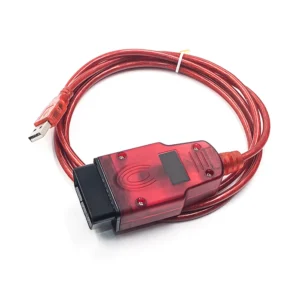
- Conexión: Estable Interfaz USB para una comunicación rápida y fiable
- Chipset: Utiliza controladores de comunicación de alta calidad basados en FTDI
- Diseño compacto: Carcasa ligera y resistente para uso en taller
- Acceso con licencia completa: Activa todas las funciones de software disponibles en la plataforma
Solución de problemas habituales en los vehículos Ford
El UCDS Pro+ resulta especialmente eficaz para resolver problemas complejos específicos de Ford:
- Problemas con la sustitución de módulos: Instalar y configurar correctamente las nuevas unidades BCM, IPC o ECU
- Activación de funciones ocultas: Activa las funciones de comodidad o los ajustes regionales mediante la edición de la configuración
- Luces de aviso del airbag: Borrar los datos de averías tras la reparación sin sustituir el módulo
- Errores y fallos de software: Actualizar la memoria de los módulos para restablecer su correcto funcionamiento
- Configuración incorrecta del vehículo: Restaurar los datos de fábrica «AsBuilt» o personalizar la configuración
⚠️ Instrucciones de uso importantes
Para garantizar un funcionamiento estable y proteger la interfaz, sigue estas directrices:
- Se recomienda el uso sin conexión: Desconéctate siempre de Internet cuando utilices el programa para evitar actualizaciones no deseadas o interrupciones.
- No actualices el software por Internet: Utiliza únicamente la versión facilitada para garantizar la compatibilidad con la interfaz.
- Avisos de actualización: Si se te solicita que realices una actualización, recházala siempre para evitar problemas de comunicación.
- Sistema operativo: Mejor rendimiento en Windows 7 o Windows 10 (Se recomienda realizar una instalación limpia).
- Nota sobre la programación: Es posible que algunas funciones avanzadas requieran conocimientos técnicos adecuados para evitar una configuración incorrecta.
 English
 French
 Spanish
 German
 Polish
 Czech
Czech Romanian
 Italian
Valoraciones
Aún no hay reseñas