
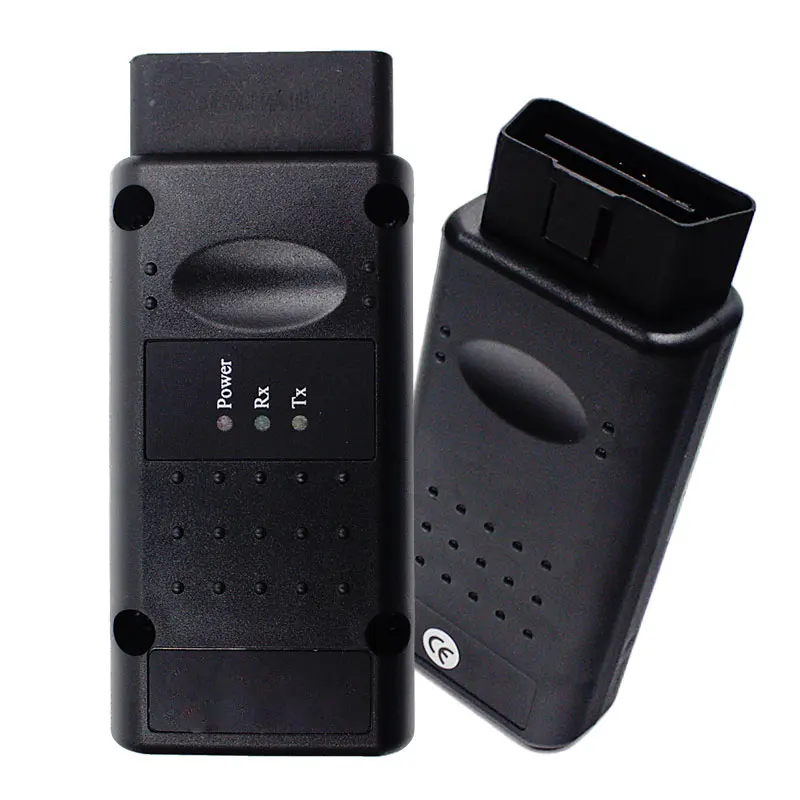
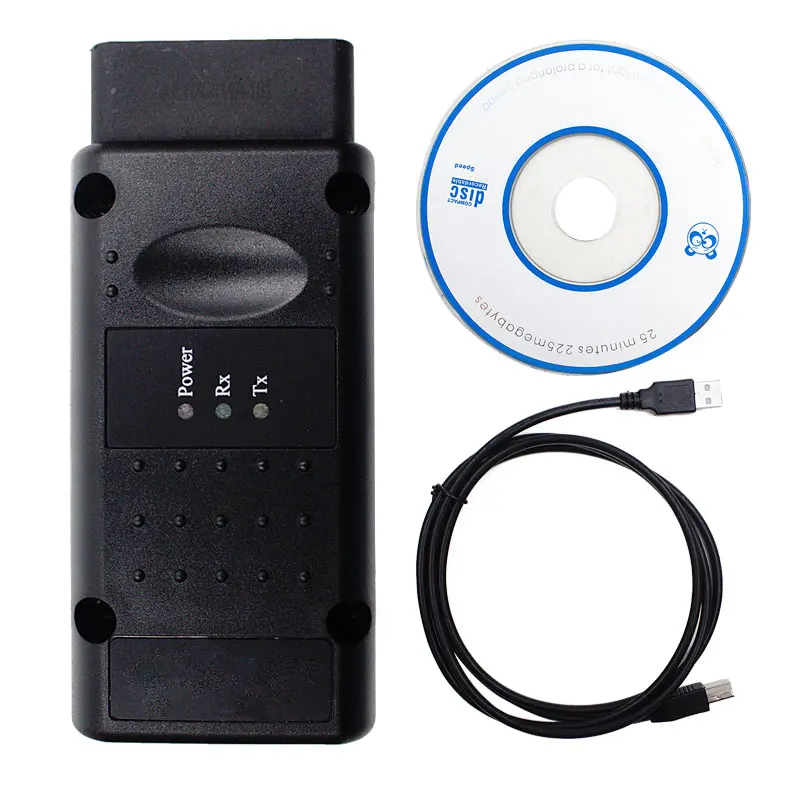
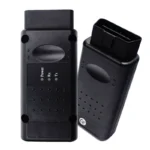
Les Interface de diagnostic professionnelle OP-COM est une solution de diagnostic spécialisée, basée sur un PC et conçue spécifiquement pour Opel et Vauxhall des véhicules. Cet outil puissant permet d'accéder en profondeur aux systèmes électroniques des véhicules et offre des fonctionnalités qui rivalisent avec l'équipement Tech2 coûteux des concessionnaires. Que vous travailliez sur un modèle classique de la fin des années 90 ou sur un véhicule moderne utilisant les dernières technologies de l'information et de la communication (TIC), cet outil vous permet d'accéder à tous les systèmes électroniques du véhicule. CAN-BUS l'interface OP-COM est l'outil essentiel pour le diagnostic, la maintenance et la programmation des modules.
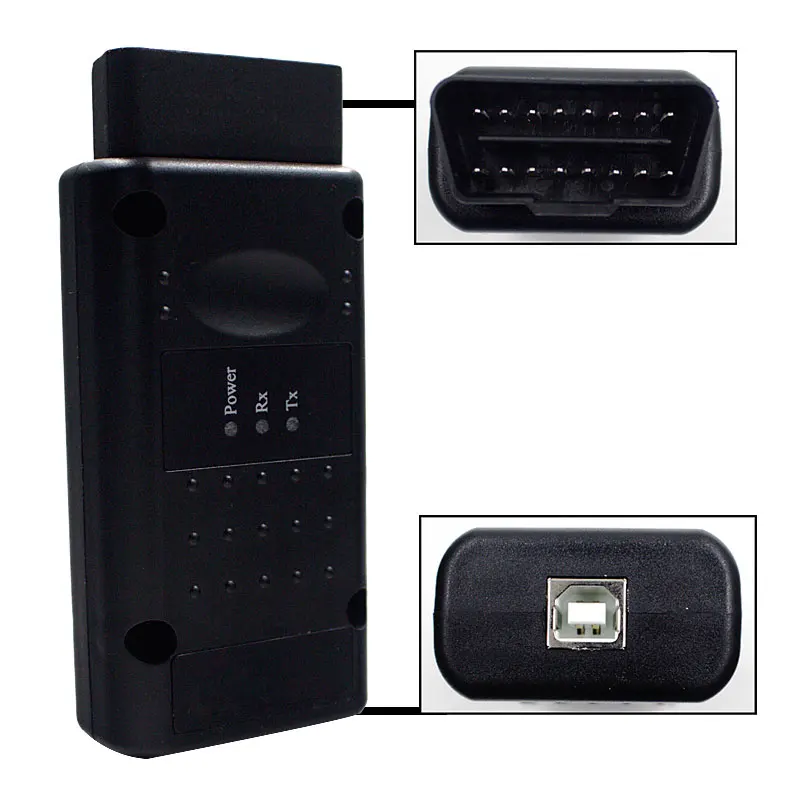
Il s'agit d'un interface de diagnostic de haute qualité pour le marché secondaire avec l'authentique Processeur PIC18F458 et Chipsets FTDI FT232RL/RQ, Ce logiciel permet de garantir la stabilité de la communication et la fiabilité du micrologiciel. Il ne s'agit pas d'un produit officiel Opel/Vauxhall.
Compatibilité des véhicules et soutien des systèmes avancés
L'interface OP-COM est conçue pour couvrir la quasi-totalité de la gamme des véhicules Opel et Vauxhall. Grâce à son système intégré de multiplexeur automatique, L'appareil sélectionne automatiquement les broches de communication correctes (telles que PIN 3, 7, 8, 12 pour les liaisons série ou PIN 6-14 pour High-Speed CAN), ce qui élimine la nécessité d'une commutation manuelle ou d'adaptateurs externes.
- Large couverture des modèles: Il prend en charge tous les modèles, des plus anciens comme l'Omega-B et la Corsa-C aux véhicules modernes basés sur le CAN-BUS, tels que l'Omega-B et la Corsa-C. Vectra-C, Astra-H, Zafira-B et Insignia.
- Accès à l'ensemble du système: Communique avec un grand nombre d'unités de contrôle, y compris :
- Gestion du moteur (ECM)
- Transmission automatique (TCM)
- Systèmes de freinage ABS/ESP
- Modules d'airbag (SRS)
- Groupe d'instruments (IPC)
- Contrôle électronique du climat (ECC)
- Unité de contrôle de la carrosserie (BCM)
- Modules de refroidissement du moteur
Fonctions professionnelles de diagnostic et de programmation
Le logiciel OP-COM fournit une suite complète d'outils pour vous aider à identifier les défauts et à effectuer des tâches d'entretien complexes que les scanners OBD2 standard ne peuvent pas prendre en charge.
🔍 Analyse des codes de défaut et données en direct
- Lecture détaillée des codes DTC: Les codes d'erreur sont affichés avec des descriptions en texte intégral et des informations sur l'état (présent, non présent ou intermittent). Vous pouvez enregistrer, imprimer ou copier ces codes pour des rapports professionnels.
- Blocs de mesure en temps réel: Surveillance jusqu'à 8 paramètres de mesure simultanés. Cela vous permet de suivre en temps réel les données des capteurs comme la température du liquide de refroidissement, la pression du carburant et la tension du capteur d'oxygène, afin de détecter les problèmes intermittents.
- Tests de sortie: Déclencher manuellement des composants tels que les pompes à carburant, les ventilateurs de refroidissement ou les voyants du tableau de bord pour vérifier leur fonctionnement physique.
🛠️ Service et programmation avancés
- Codage des codes d'immobilisation et des clés: Apprendre de nouvelles clés pour l'immobilisateur et programmer des clés à distance pour le verrouillage central. (Note : nécessite le code de sécurité du véhicule qui se trouve sur la CAR-PASS).
- Réinitialisation et adaptation des modules: Réinitialiser et programmer les modules critiques tels que l'ECM, le BCM et l'IPC lors de l'installation de pièces neuves ou d'occasion.
- Réinitialisation de l'intervalle de service: Réinitialisez facilement le rappel d'entretien “InSP” pour des modèles tels que l'Astra-G, le Zafira, la Corsa-C et le Meriva.
- Codage des airbags: Support spécialisé pour le codage des systèmes d'airbags SAB6 et SAB8.
Qualité du matériel et différences de version
Nos interfaces OP-COM sont construites avec le Real PIC18F458 Full Chipset, qui est l'étalon-or pour cet outil. Contrairement aux versions “verrouillées” moins chères, nos cartes de haute qualité prennent en charge les mises à jour et les mises à niveau du micrologiciel (sur les modèles V1.70 et V1.95), ce qui garantit une compatibilité à long terme.
- Firmware V1.70 / V1.95: Versions très stables qui prennent en charge le flashage du micrologiciel et offrent la meilleure compatibilité avec un large éventail de versions logicielles.
- Firmware V1.99: La dernière version du micrologiciel, optimisée pour les logiciels les plus récents et une communication plus rapide sur les systèmes CAN-BUS.
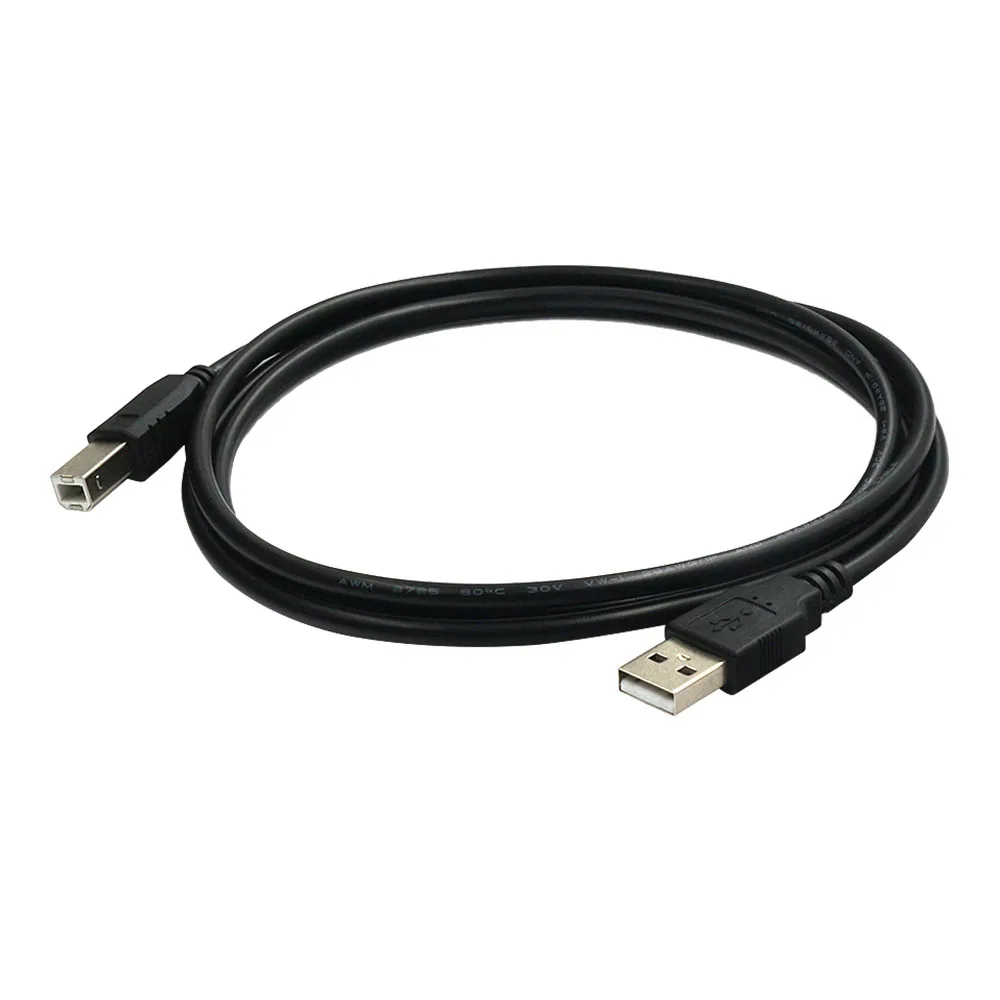
- Jeu de puces FTDI: Utilise le FT232RQ ou FT232RL Le convertisseur USB-série assure la compatibilité avec les ports USB modernes de Windows et fournit le transfert de données à grande vitesse requis pour les systèmes CAN à 500 kbps.
Résoudre les problèmes courants des véhicules
L'OP-COM est conçu pour vous aider à résoudre les problèmes spécifiques et coûteux qui obligent votre véhicule à rester à l'atelier :
- “Voyants ”Check Engine“ ou ”SVS: Identifier rapidement si un défaut est une simple défaillance d'un capteur ou un problème mécanique majeur.
- Transmission “Limp Mode” (mode dégradé)”: Diagnostiquer les pannes de solénoïde ou les erreurs de capteur de vitesse dans les boîtes de vitesses automatiques.
- Feux d'avertissement des coussins gonflables de sécurité: Identifier le prétensionneur ou le capteur spécifique à l'origine de la panne et effacer le témoin après réparation.
- Problèmes de non-démarrage: Vérifier l'état de l'immobilisateur et vérifier si la clé est reconnue par le BCM.
- Défauts du système de refroidissement: Utilisez les tests de sortie pour vérifier si le relais du ventilateur de refroidissement fonctionne avant de remplacer un moteur de ventilateur coûteux.
Exigences logicielles et techniques
Pour garantir une installation aisée et un fonctionnement stable, veuillez suivre les lignes directrices suivantes :
- Système d'exploitation recommandé: Windows 7 (32 bits) ou Windows XP offrent l'environnement le plus stable. Bien qu'il puisse fonctionner sur des systèmes 64 bits, l'installation des pilotes est plus complexe.
- Corrections du système: Pour le logiciel VAUX-COM le plus récent, assurez-vous que Microsoft .NET Framework 3.5 SP1 est installé.
- Conseil d'installation: Toujours “Exécuter en tant qu'administrateur” sous Windows 7 et suivre attentivement la vidéo d'installation fournie pour s'assurer que les pilotes USB sont correctement mappés sur l'interface.
- Soutien linguistique: Le logiciel 2010 prend en charge 19 langues (y compris l'allemand, le français, l'espagnol, le russe, etc.), tandis que les versions 2012/2014 sont principalement en anglais.
 English
 French
 Spanish
 German
 Polish
 Czech
Czech Romanian
 Italian
Avis
Il n’y a encore aucun avis