
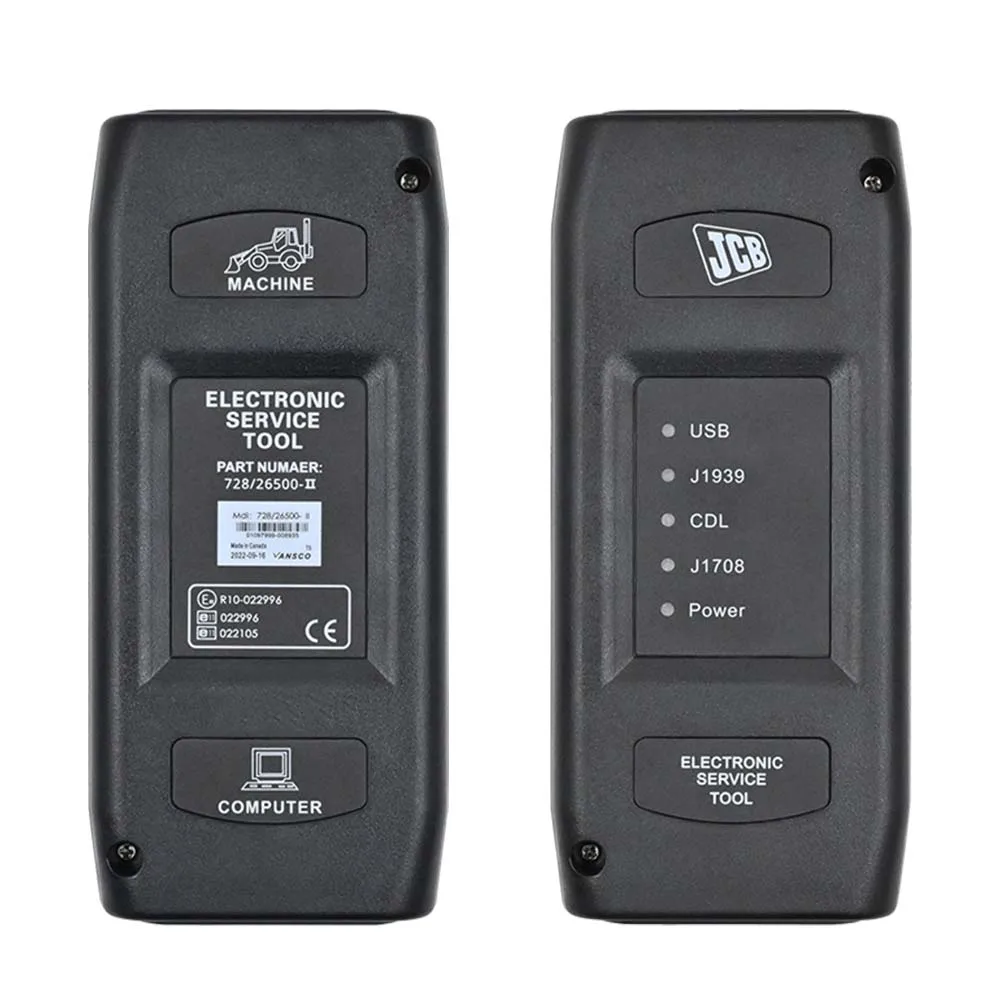
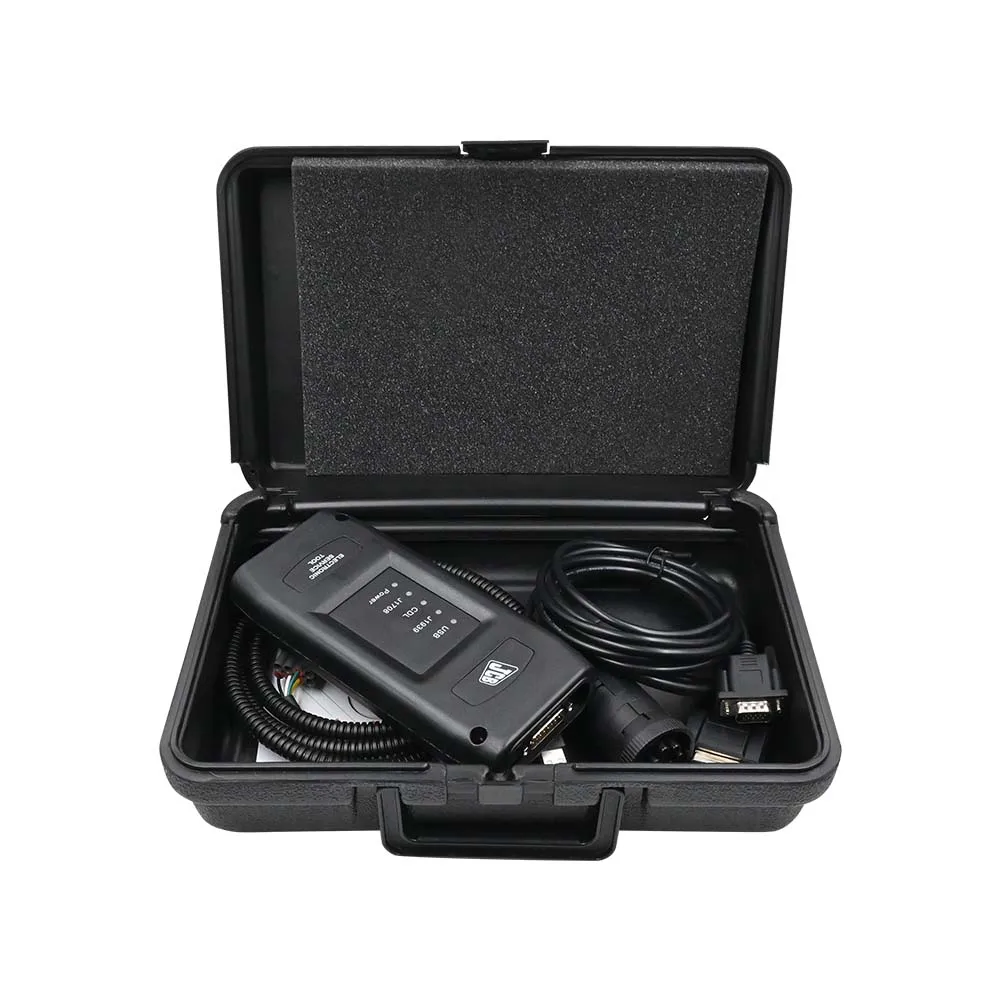
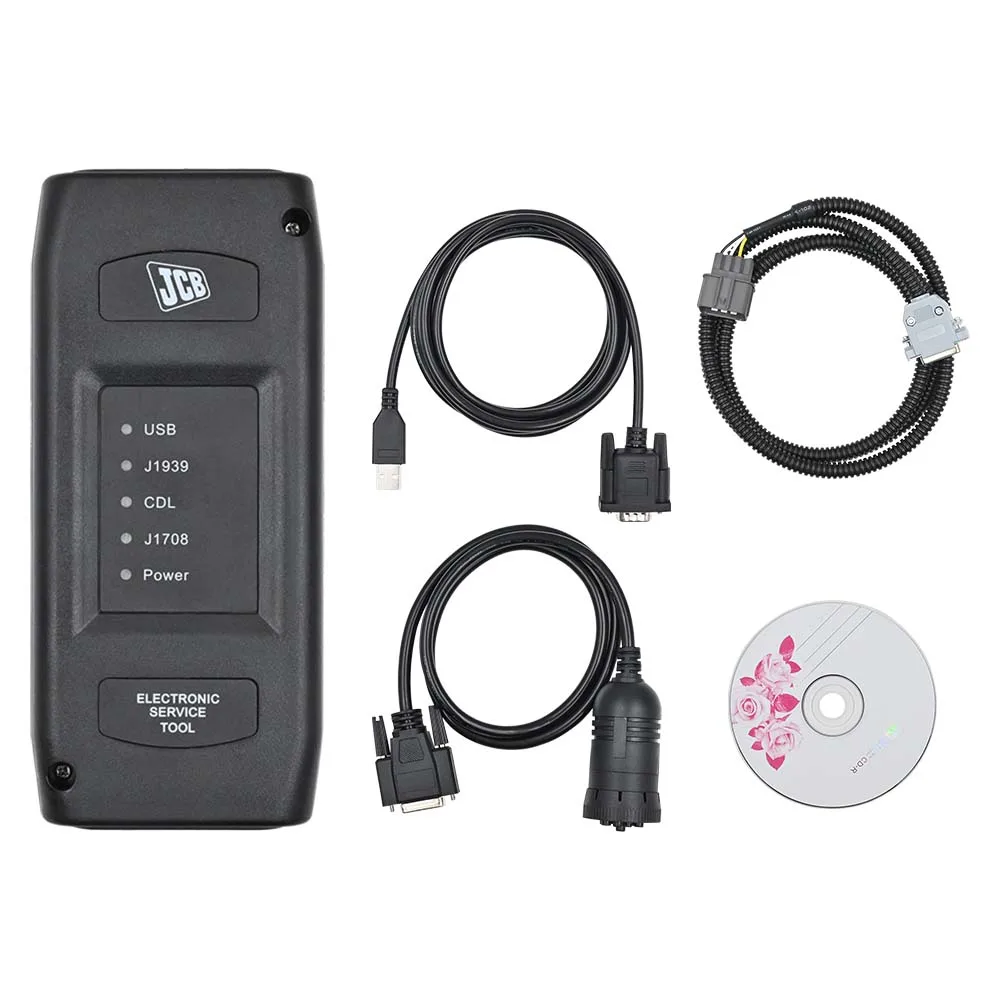
The Instrumentul electronic de service JCB (EST) este soluția definitivă de diagnostic de nivel profesional pentru întreaga gamă de Utilaje JCB pentru agricultură, construcții și gestionarea deșeurilor. Această interfață de înaltă performanță funcționează în tandem cu JCB Service Master software care oferă acces la nivel de service la unitățile de control electronic (ECU) ale vehiculelor. Conceput pentru a face față cerințelor riguroase ale întreținerii vehiculelor off-road, acest instrument permite tehnicienilor să identifice rapid defecțiunile, să verifice respectarea standardelor de întreținere și să execute sarcini complexe de programare, care sunt de obicei rezervate sucursalelor fabricii.
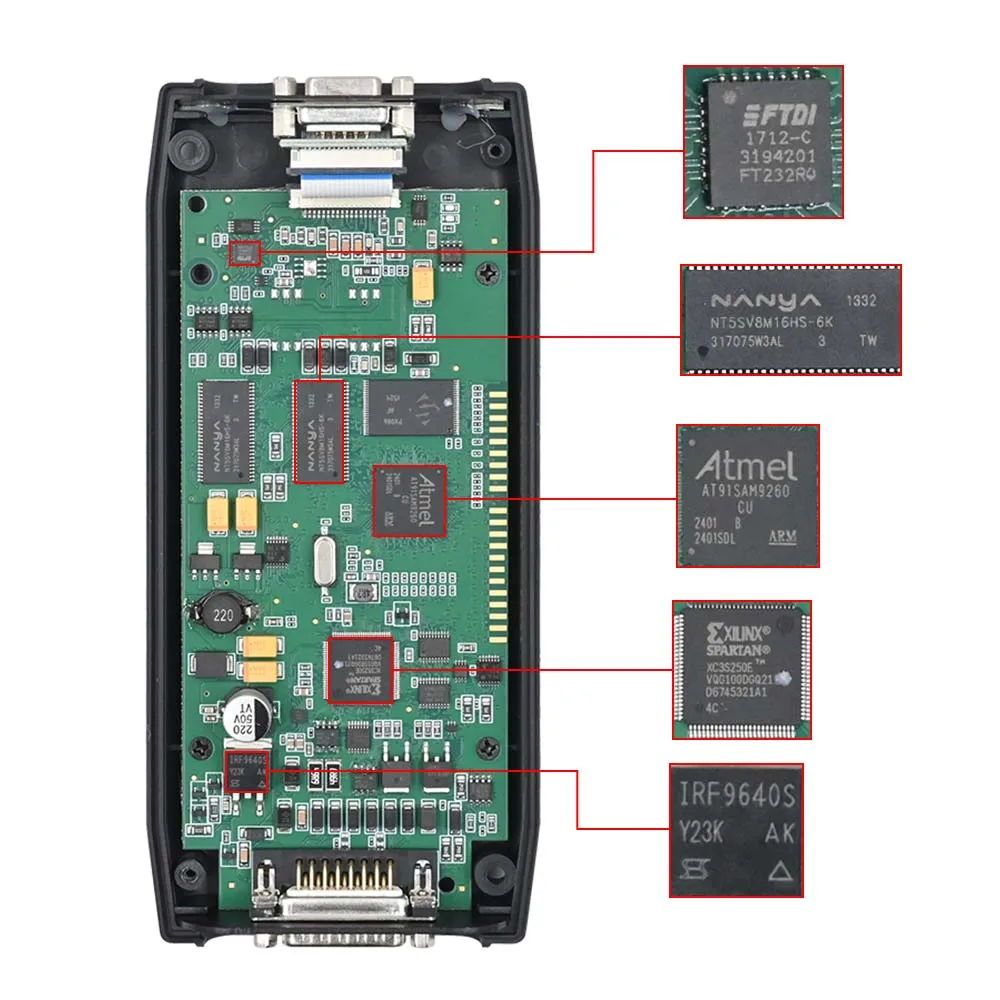
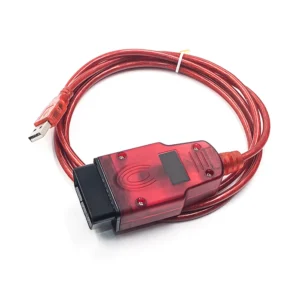
Aceasta este o adaptor profesional de comunicații pentru utilizare intensivă conceput pentru a servi drept punct de acces pentru toate aplicațiile de asistență pentru vehiculele JCB. Acesta suportă atât Protocoalele CAN-BUS și J1708, asigurând compatibilitatea cu o gamă largă de utilaje JCB și motoare integrate de la Isuzu, Deutz și Cummins.
Acoperire completă pentru vehicule și motoare
JCB Service Tool este o interfață universală compatibilă cu o listă extinsă de “familii de vehicule”. Indiferent dacă lucrați pe teren, pe un șantier de construcții sau într-un atelier de reparații, acest instrument vă oferă conectivitatea de care aveți nevoie.
🚜 Modele agricole
- Tractoare Fastrac: Compatibilitate completă cu seriile 2000-3000, seria 7000 și seria 8000 pentru sarcini grele.
- Manipulatoare telescopice: Acoperire pentru modelele din 2007 și mai recente, unitățile Tier 4 și utilajele Loadall compacte din seria 525-60.
- Lopate de încărcare pe roți: Este compatibil cu modelele de dimensiuni mari, compacte (Tier 4 CWLS) și medii (411, 413, 418S).
- Telemasters: Diagnosticare completă pentru modelele TM180, TM220, TM310 și TM320.
🏗️ Modele din domeniul construcțiilor și al deșeurilor
- Excavatoare: Asistență completă pentru unitățile Compact (Mini/Midi) (801-8065, 65R1-86C1) și pentru utilajele AMS/DECU pe șenile/pe roți (seria JS/JZ).
- Încărcătoare cu braț articulat: Acces la nivel profund la toate sistemele electronice.
- Încărcătoare cu braț articulat: Este compatibil cu modelul Robot și cu alte modele specializate de încărcătoare.
- Camioane de compactare și basculante: Acoperire pentru camioane basculante articulate și compactoare vibrante (Tier 3/4).
- Stivuitoare pentru teren accidentat: Suport pentru modelele RTFL de nivelurile 2, 3 și 4.
⚙️ Motor și sisteme de alimentare
- Motoare JCB: Suport complet pentru Dieselmax, Dieselmax 672 și Ecomax (IPU, bază OEM, unitate G).
- Motoare de la terți: Diagnosticare integrată pentru Kohler TCR, Isuzu, Deutz și Cummins motoarele utilizate la utilajele JCB.
- Generatoare: Compatibilitate cu unitățile de generare a energiei electrice din seria G46X până la G220S/QS.
Funcții profesionale de diagnosticare și programare
Aplicația JCB Service Master funcționează ca o platformă grafică centrală, selectând automat instrumentul de service adecvat pentru utilajul respectiv, eliminând astfel necesitatea ca tehnicianul să ghicească.
🔍 Depistarea avansată a defecțiunilor și monitorizarea
- Clasificarea inteligentă a defecțiunilor: Citește codurile de eroare și le clasează automat în funcție de importanță, pentru a vă ajuta să stabiliți prioritățile în ceea ce privește reparațiile critice.
- Flux de date în timp real: Monitorizați în timp real turația motorului, presiunile hidraulice, temperaturile și tensiunile senzorilor.
- Istoricul mașinii: Consultați jurnalele de “abuz” pentru a verifica dacă echipamentul a fost utilizat în afara parametrilor de siguranță.
🛠️ Service și întreținere
- Resetarea intervalelor de service: Respectați intervalele de service și actualizați registrele de întreținere.
- Resetarea orei EMS: Resetați orele de funcționare înregistrate de sistemul de gestionare a motorului după reparații majore sau înlocuiri ale motorului.
- Manuale și buletine informative: Accesați manualele complete și originale de reparații JCB, buletinele de service și informațiile privind piesele de schimb pentru toate piețele globale.
💻 Programarea și calibrarea ECU-ului
- Unități de control electronic (ECU) de tip Flash: Actualizați sau reprogramați unitățile de control electronic (ECU) cu fișierele de date corespunzătoare pentru a remedia erorile de software sau pentru a optimiza performanța.
- Parametrizare: Modificați datele de configurare ale mașinii, editați limitatoarele de viteză și calibrați blocurile ECM.
- Deblocări speciale: Accesați funcții avansate care necesită deblocări speciale de securitate pentru modificări profunde ale sistemului.
Caracteristici hardware și conectivitate
Echipamentul de diagnosticare JCB este conceput pentru a rezista la condițiile dure de pe șantierele de construcții și din sectorul agricol.
- Suport pentru mai multe protocoale: Se integrează perfect CAN-BUS și J1708 comunicare pentru echipamentele mai vechi și cele mai noi.
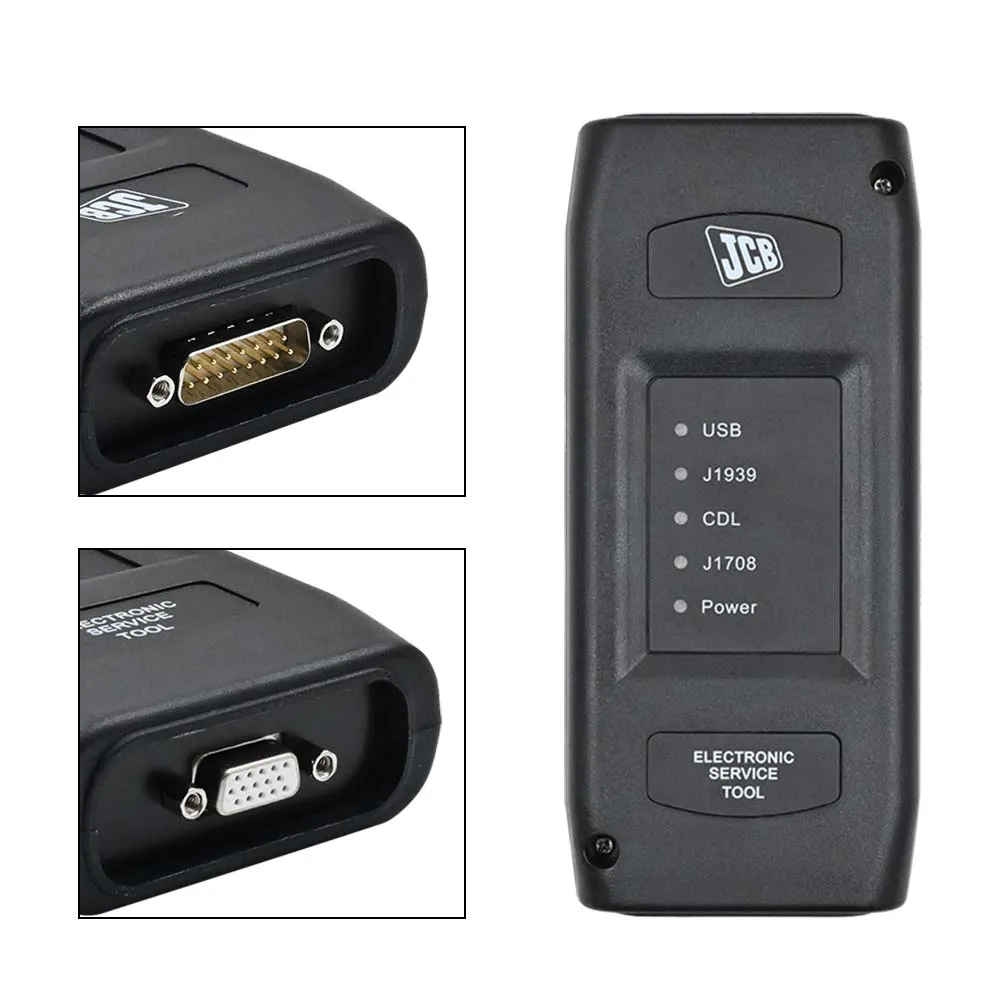
- Interfață robustă: Adaptor de transmisie de date de înaltă calitate, prevăzut cu conectori Deutsch de mare rezistență, cu 6 și 9 pini.
- Suport în mai multe limbi: Interfața și software-ul sunt disponibile în engleză, franceză, germană, italiană, portugheză și spaniolă.
- Conectivitate USB: Conexiune prin cablu stabilă la laptopul dumneavoastră, pentru un transfer fiabil de date în timpul procesului critic de programare a unității de control electronic (ECU).
Rezolvarea problemelor frecvente ale utilajelor grele
JCB EST este instrumentul principal pentru reducerea la minimum a timpilor de nefuncționare și pentru rezolvarea problemelor mecanico-electronice complexe:
- “Modul de urgență” și întreruperea alimentării cu energie electrică: Identificați rapid dacă o pierdere de putere se datorează unei defecțiuni a senzorului, unei probleme la sistemul de alimentare cu combustibil sau unei defecțiuni a regulatorului electronic.
- Erori ale sistemului hidraulic: Calibrați supapele hidraulice și senzorii pentru a remedia mișcările sacadate sau timpii de răspuns prea lungi.
- Probleme legate de AdBlue/SCR și DPF: Diagnosticați defecțiunile sistemului de emisii la motoarele Tier 4 și efectuați regenerări forțate pentru a preveni reducerea puterii motorului.
- Calibrarea transmisiei: Remediați problemele legate de schimbarea treptelor de viteză la tractoarele și încărcătoarele pe roți Fastrac prin recalibrarea solenoizilor transmisiei.
- Probleme legate de pornire: Verificați starea sistemului de imobilizare și verificați comunicarea dintre cititorul de chei și unitatea de comandă principală.
Cerințe software și tehnice
Pentru a asigura funcționarea optimă a software-ului JCB Service Master, vă rugăm să urmați aceste instrucțiuni:
- Versiunea software: Include Service Master 4 (V22.11.2).
- Sistem de operare: Optimizat pentru Windows 7 sau Windows 10 (64 de biți).
- Instalare: Programul este furnizat pe CD sau prin intermediul unui link de descărcare. Se recomandă să aveți cel puțin 20 GB de spațiu liber pentru întreaga suită de manuale și aplicații de diagnosticare.
- Selectarea limbii: Folosiți instrumentul de editare multilingvă integrat pentru a selecta traducerea localizată pentru fiecare aplicație JCB în parte.
 English
 French
 Spanish
 German
 Polish
 Czech
Czech Romanian
 Italian
Recenzii
Încă nu există recenzii